
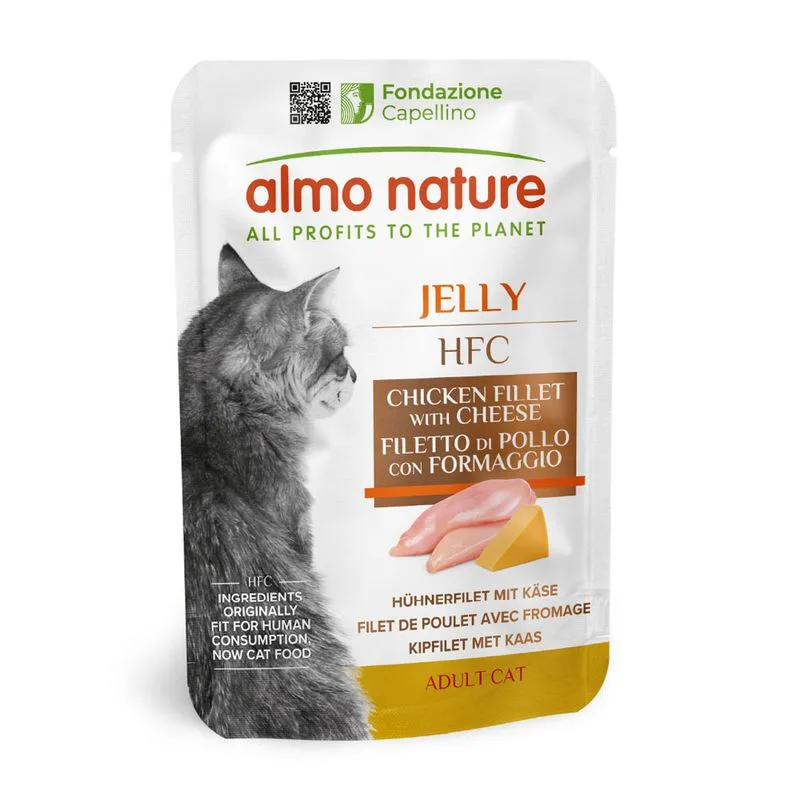
Almo Nature HFC Jelly in buste 12 x 55 g umido per gatto (Filetto di Pollo con Formaggio)
Fiber — Within the recommended limit
Ash — Within the recommended limit
Names brodo di tonno as a headline ingredient
Protein — Below the recommended minimum
Fat — Well below the recommended minimum
Moisture — Well above the recommended limit
Nutritional values
Per 100g
Protein
Below the recommended minimum
15.0 g
Fat
Well below the recommended minimum
1.0 g
Fiber
Within the recommended limit
0.5 g
Ash
Within the recommended limit
2.0 g
Moisture
Well above the recommended limit
81.5 g
Ingredients
brodo di tonno
tonno
acciughine
riso
sogliola
brodo di pollo
pollo
filetto di tonno
filetto di pollo
prosciutto
gamberetti
alghe disidratate
formaggio
aragosta
prezzemolo
brodo di salone
filetto di salmone
sardine
brodo di sardine
sgombro
brodo di sgombro
gomma Cassia
At a glance
- Species
- Cat
- Food type
- Wet food
- Life stage
- Adult
- Energy
- 71 kcal/100 g
- Reference price
- 12,29 € / 0,66 kg
- Barcode
- 8001154126266
Better-scoring alternatives
Same species and type, higher Flovvi Score, closest price first.
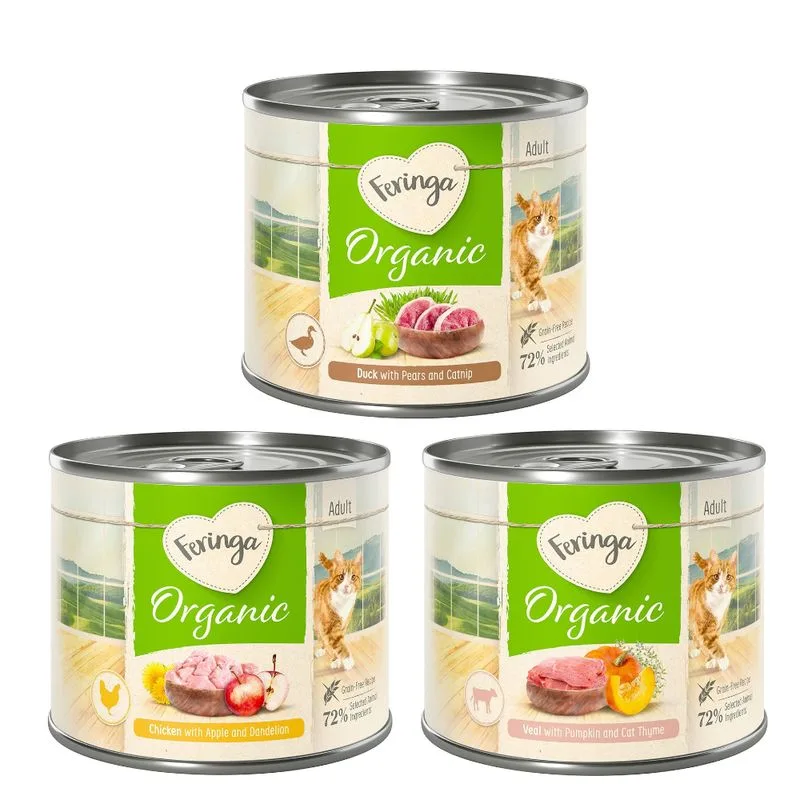
Feringa
Feringa Bio Menù 6 x 200 g (Mix: Pollo bio, Anatra bio, Vitello bio)
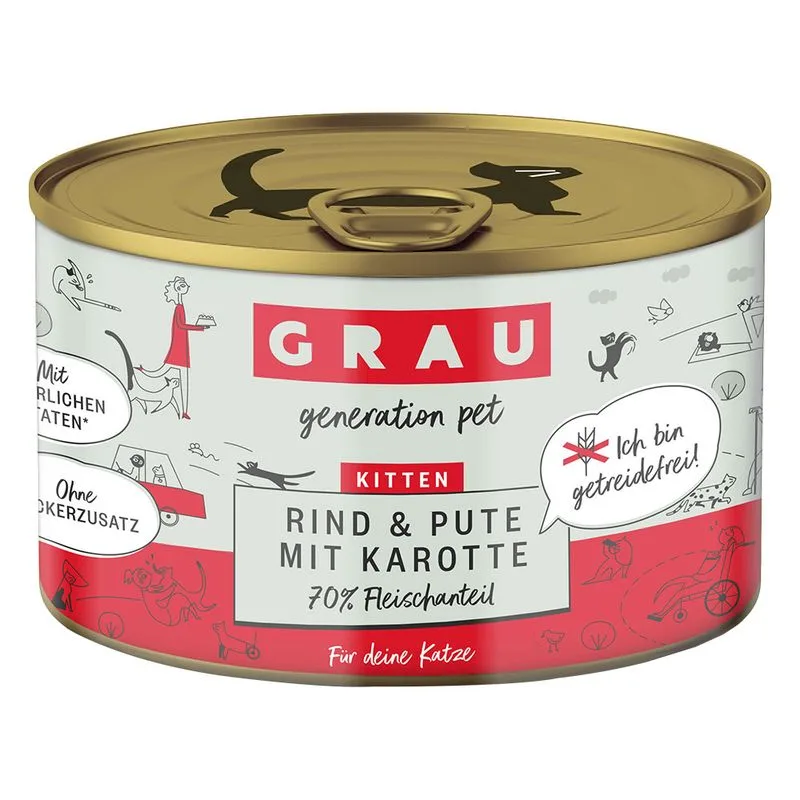
GRAU
GRAU Grandi Golosi Kitten senza cereali 6 x 200 g (Manzo, Tacchino & Carote)
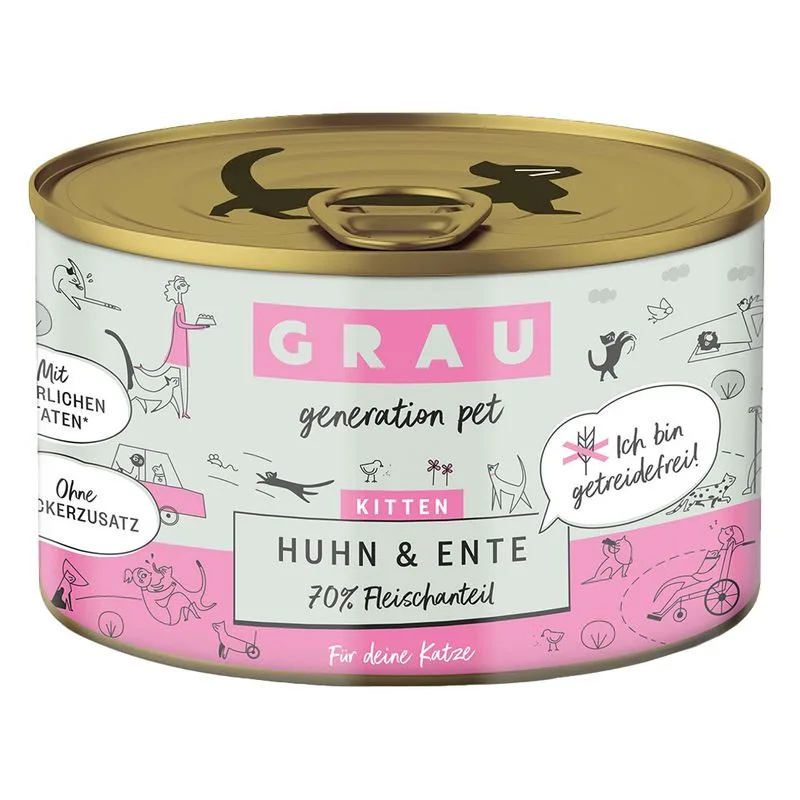
GRAU
GRAU Grandi Golosi Kitten senza cereali 6 x 200 g (Pollo & Anatra)
Is Almo Nature HFC Jelly in buste 12 x 55 g umido per gatto (Filetto di Pollo con Formaggio) right for your cat?
The score is the same for everyone; the verdict is not. Tell Flovvi your pet's weight, age, sterilisation and allergies and get the daily portion, the real cost per day and the warnings that apply to them, free.
