
Protein — Meets the recommended minimum
Fat — Meets the recommended minimum
Fiber — Within the recommended limit
Ash — Within the recommended limit
Moisture — Within the recommended limit
Contains lower-quality ingredients: sorbitolo liquido, proteine isolate della soia, amido di mais, gomma di xantano, aroma di carne di pollo, acido citrico
Nutritional values
Per 100g
Protein
Meets the recommended minimum
21.0 g
Fat
Meets the recommended minimum
4.6 g
Fiber
Within the recommended limit
0.2 g
Ash
Within the recommended limit
1.8 g
Moisture
Within the recommended limit
10.2 g
Ingredients
Amido di tapioca
filetto di pollo
glicerina
sorbitolo liquido
proteine isolate della soia
amido di mais
gomma di xantano
olio di girasole
carbonato di calcio
aroma di carne di pollo
timo
rosmarino
fibre vegetali
acido citrico
At a glance
- Species
- Dog
- Food type
- Treats
- Life stage
- Adult
- Energy
- 330 kcal/100 g (estimated)
- Reference price
- 4,29 € / 0,11 kg
- Barcode
- 022517927656
Better-scoring alternatives
Same species and type, higher Flovvi Score, closest price first.
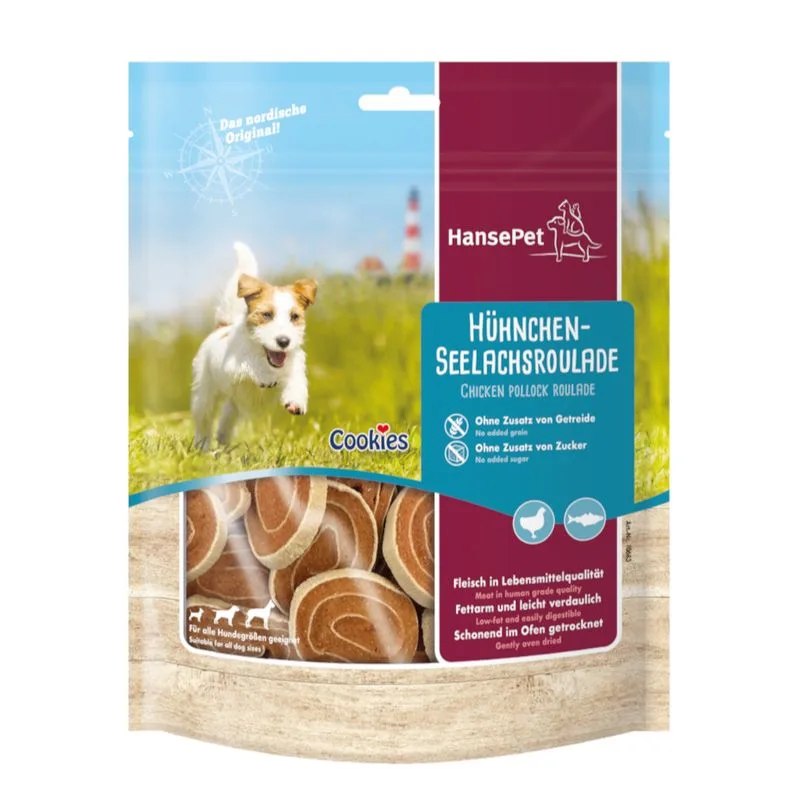
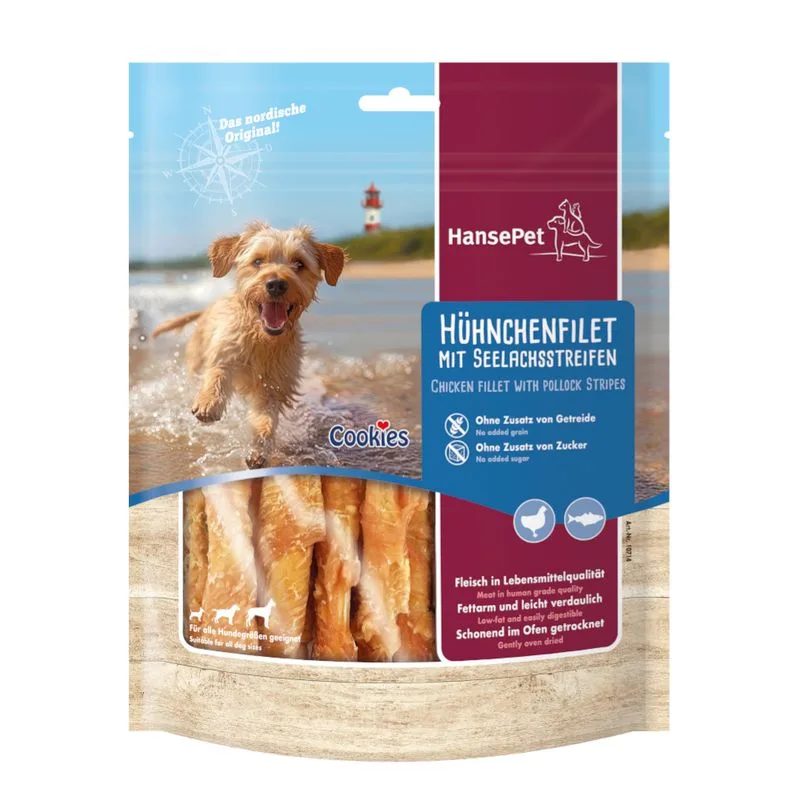
Is Zoë Better Bones Pollo con Rosmarino & Timo Twist right for your dog?
The score is the same for everyone; the verdict is not. Tell Flovvi your pet's weight, age, sterilisation and allergies and get the daily portion, the real cost per day and the warnings that apply to them, free.
