
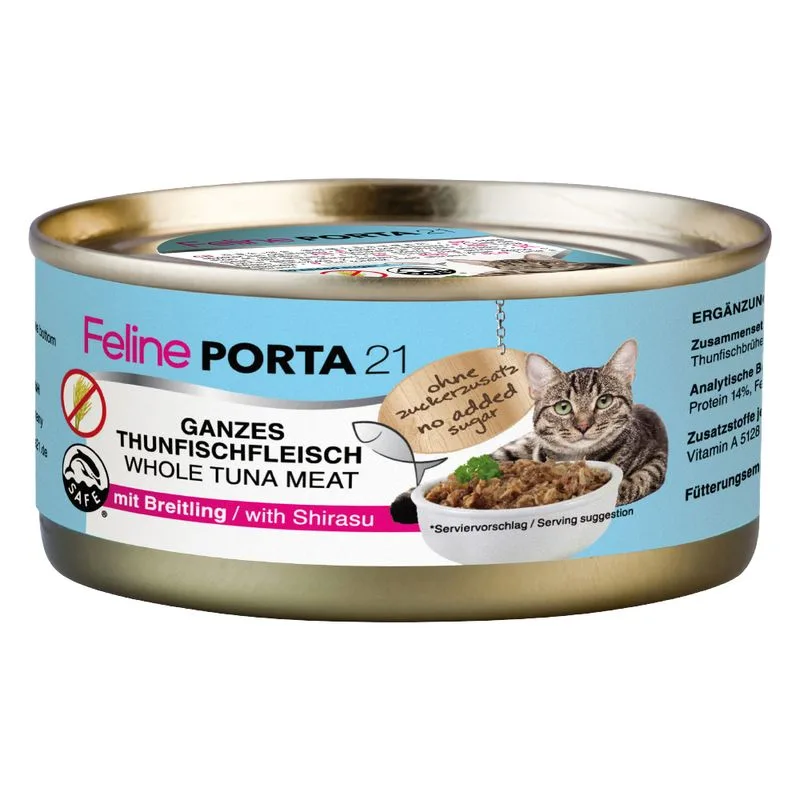
Fiber — Within the recommended limit
Ash — Within the recommended limit
Names Carne di pollo as a headline ingredient
Protein — Below the recommended minimum
Fat — Well below the recommended minimum
Moisture — Well above the recommended limit
Contains lower-quality ingredients: Amido di mais, Glucosio, Cloruro di sodio
Nutritional values
Per 100g
Protein
Below the recommended minimum
14.0 g
Fat
Well below the recommended minimum
0.8 g
Fiber
Within the recommended limit
0.5 g
Ash
Within the recommended limit
2.0 g
Moisture
Well above the recommended limit
82.0 g
Ingredients
Carne di pollo
Brodo di pollo
Amido di mais
Carne di manzo
Glucosio
Farina di tapioca
Cloruro di sodio
Aloe Vera
Riso
Estratto di piselli
Estratto di carota
Tonno
Alga Seetang essiccata
Surimi
Sarde
Gamberetti
Olio di semi di girasole
Farina di riso
Idrogenofosfato di calcio
Estratto di pesce
Manzo
Vitamina A
Vitamina D3
Vitamina E
Taurina
At a glance
- Species
- Cat
- Food type
- Wet food
- Life stage
- Adult
- Energy
- 58 kcal/100 g (estimated)
- Reference price
- 15,49 € / 0,94 kg
- Barcode
- 4021158470909
Better-scoring alternatives
Same species and type, higher Flovvi Score, closest price first.
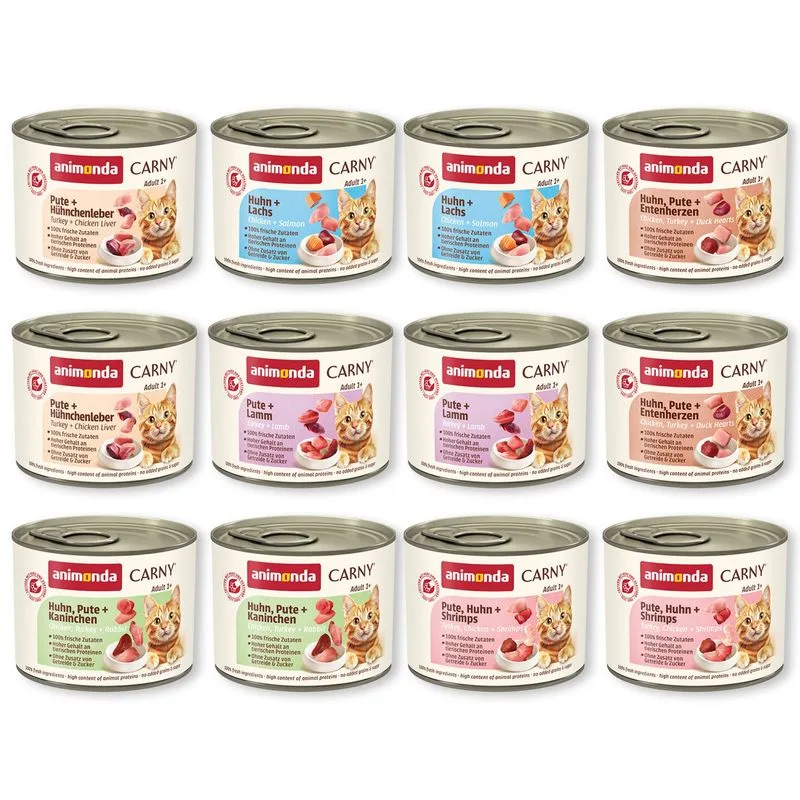
Animonda Carny
animonda Carny Adult 12 x 200 g umido gatto (Mix Pollame)
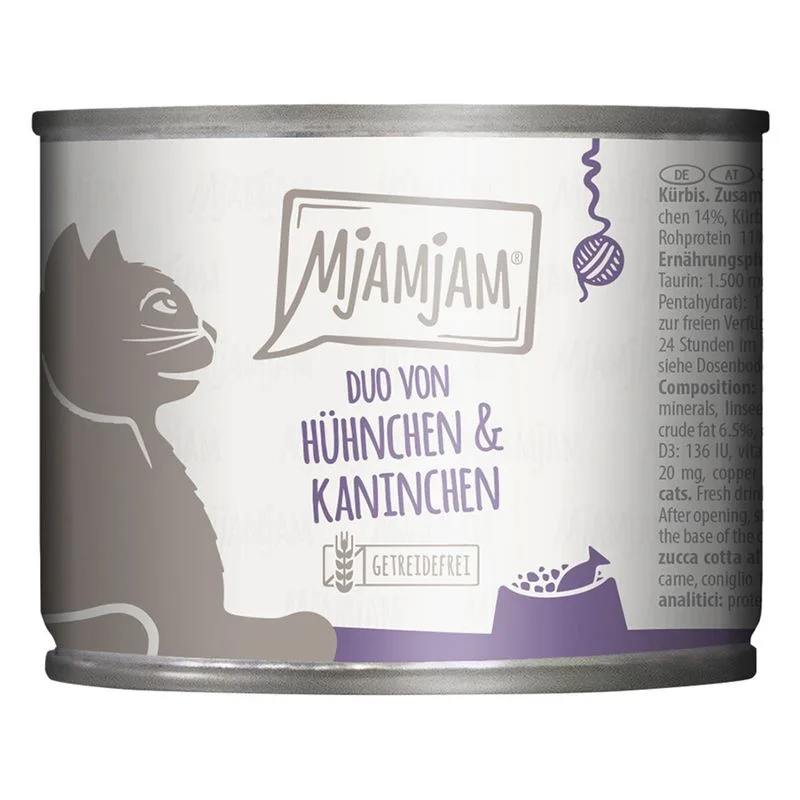
MjAMjAM
MjAMjAM Duo 6 x 200 g umido gatto (Pollo & Coniglio con Zucca al vapore)
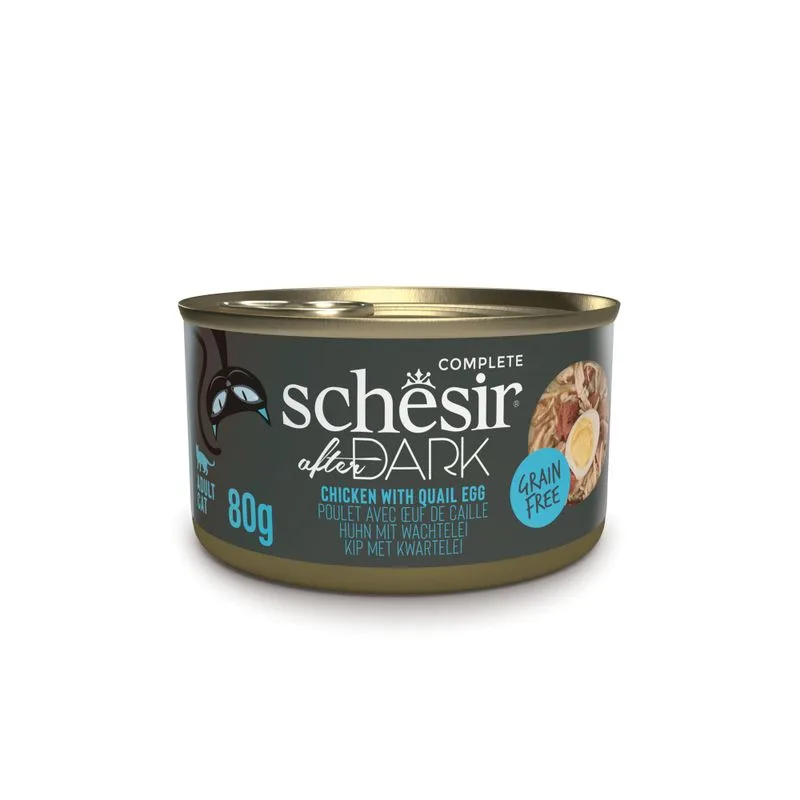
Schesir
Schesir After Dark Filetti in brodo 12 x 80 g (Pollo con uovo di quaglia)
Is Feline Porta 21 6 x 156 g (Tonno con Sarde) right for your cat?
The score is the same for everyone; the verdict is not. Tell Flovvi your pet's weight, age, sterilisation and allergies and get the daily portion, the real cost per day and the warnings that apply to them, free.
