
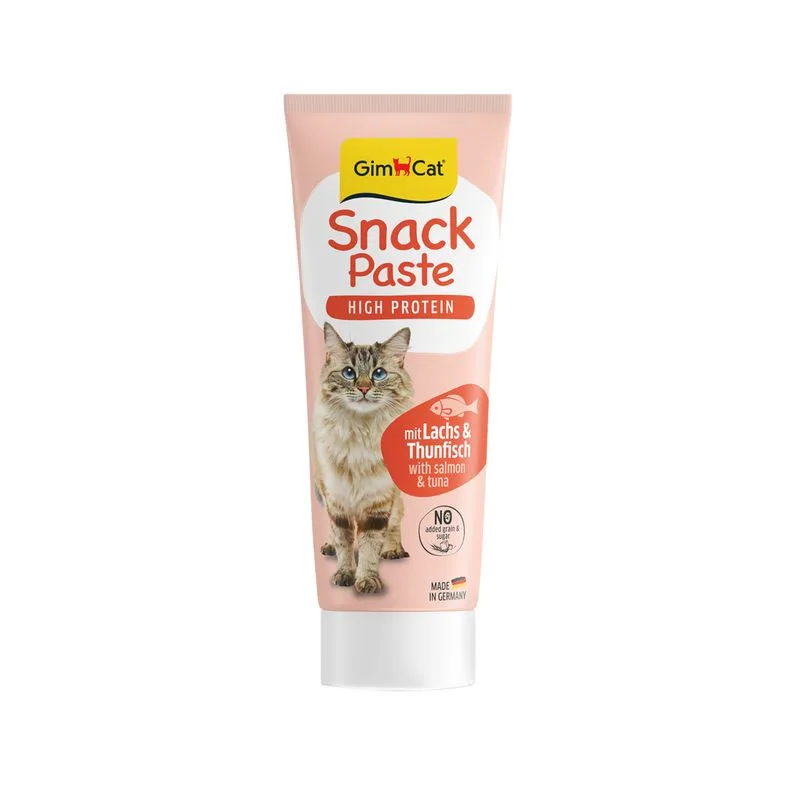
Fat — Meets the recommended minimum
Fiber — Within the recommended limit
Ash — Within the recommended limit
Protein — Below the recommended minimum
Moisture — Well above the recommended limit
Contains lower-quality ingredients: Sottoprodotti di origine vegetale, Pesce e sottoprodotti ittici
Nutritional values
Per 100g
Protein
Below the recommended minimum
17.5 g
Fat
Meets the recommended minimum
35.0 g
Fiber
Within the recommended limit
0.5 g
Ash
Within the recommended limit
4.0 g
Moisture
Well above the recommended limit
18.5 g
Ingredients
Oli e grassi
Sottoprodotti di origine vegetale
Pesce e sottoprodotti ittici
Lievito
Latte e derivati
Minerali
At a glance
- Species
- Cat
- Food type
- Treats
- Life stage
- Adult
- Energy
- 445 kcal/100 g (estimated)
- Reference price
- 10,99 € / 0,23 kg
- Barcode
- 4002064422602
Better-scoring alternatives
Same species and type, higher Flovvi Score, closest price first.
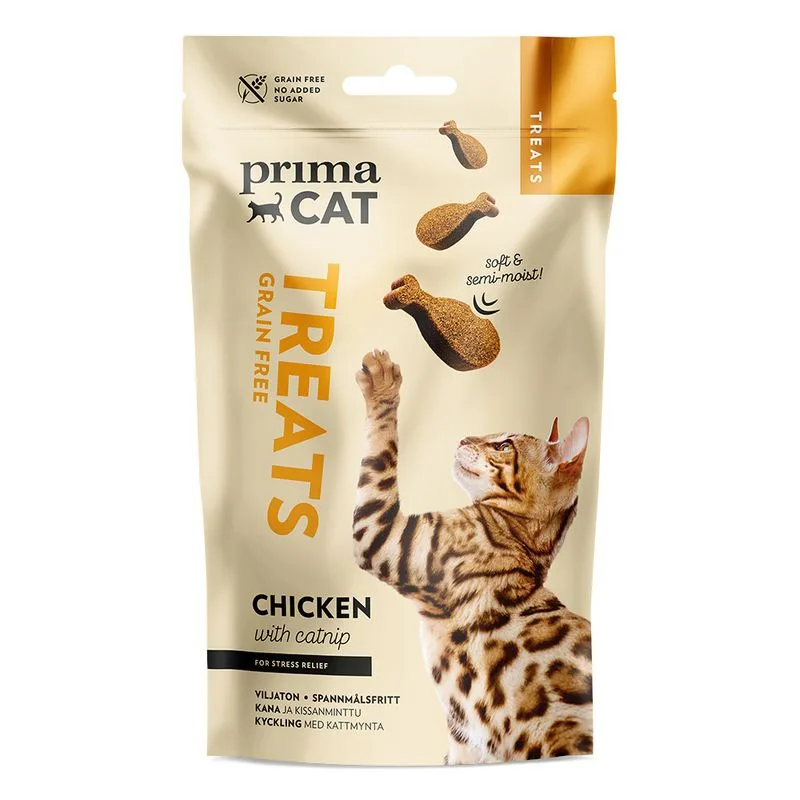
PrimaCat
PrimaCat Softy Treats con Pollo ed Erba gatta Snack per gatto (Set % 4 x 50 g)
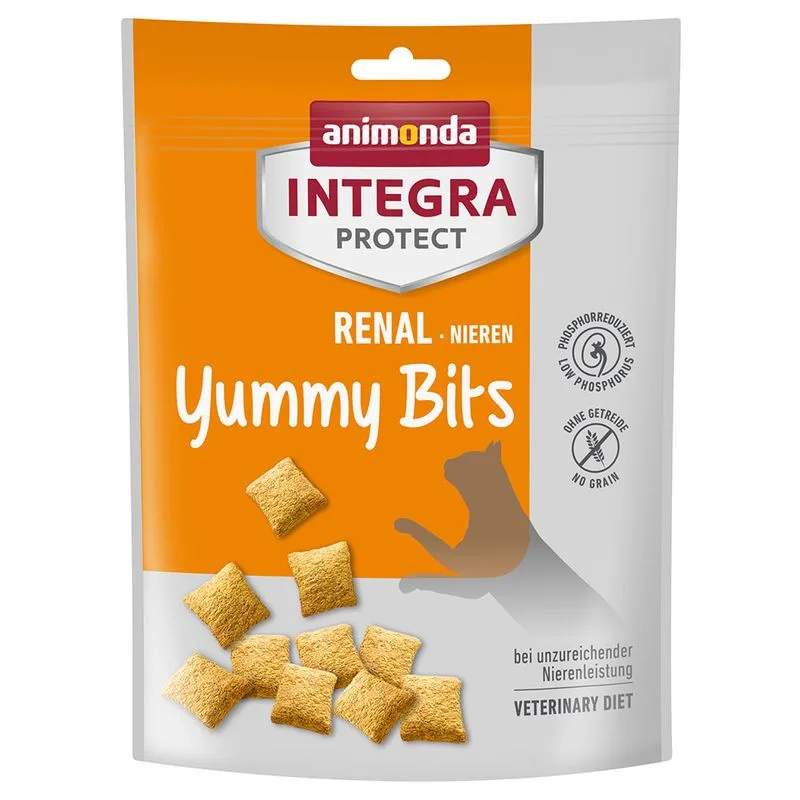
Animonda Integra
Animonda Integra Protect Renal Yummy Bits per gatti (Set %: 3 x 120 g)
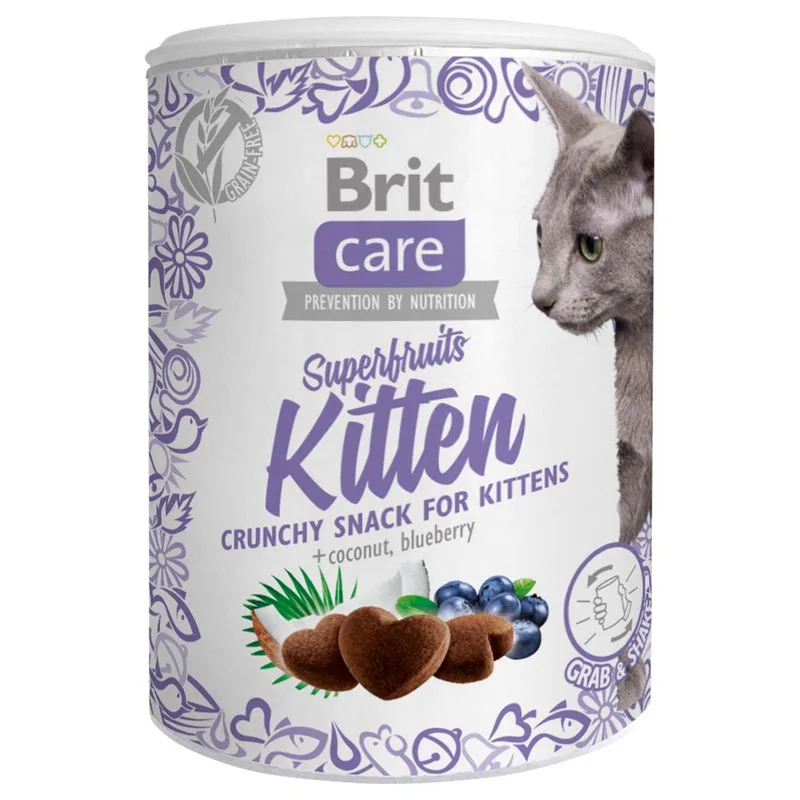
Brit Care
Brit Care Kitten Superfruits Snack per gattini (Set %: 3 x 100 g)
Is GimCat High Protein Snack in Pasta 75 g (Set %: 3 x Salmone & Tonno) right for your cat?
The score is the same for everyone; the verdict is not. Tell Flovvi your pet's weight, age, sterilisation and allergies and get the daily portion, the real cost per day and the warnings that apply to them, free.
