
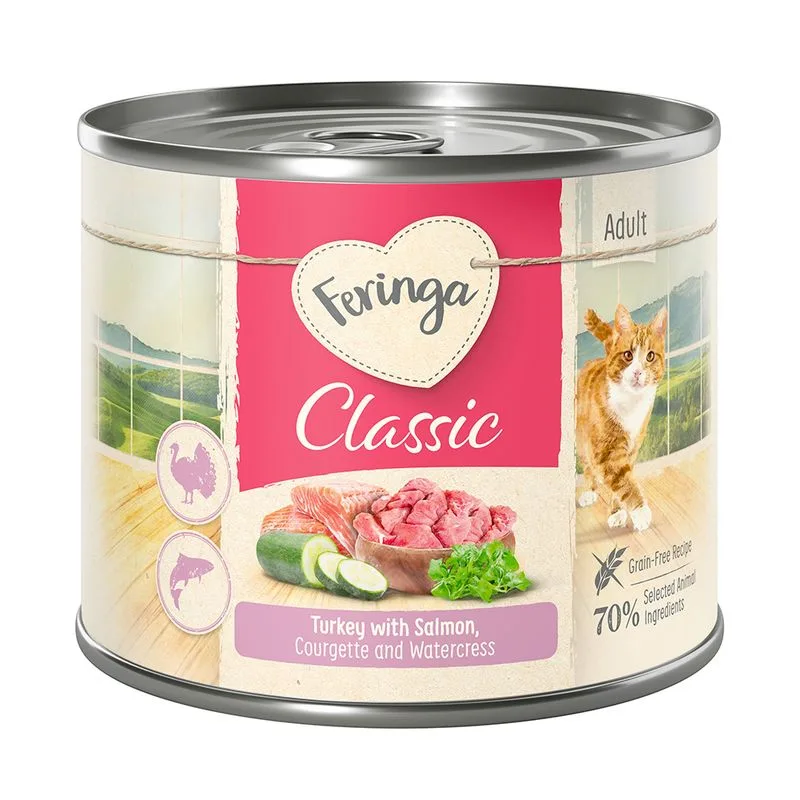
Fiber — Within the recommended limit
Ash — Within the recommended limit
Names vitello (cuore e polmone) as a headline ingredient
Protein — Well below the recommended minimum
Fat — Below the recommended minimum
Moisture — Well above the recommended limit
Nutritional values
Per 100g
Protein
Well below the recommended minimum
10.0 g
Fat
Below the recommended minimum
6.0 g
Fiber
Within the recommended limit
0.4 g
Ash
Within the recommended limit
2.8 g
Moisture
Well above the recommended limit
79.0 g
Ingredients
vitello (cuore e polmone)
brodo
anatra (cuori, stomaco, gole)
broccoli
minerali
tarassaco
tacchino (cuore, carne, fegato, gole)
coniglio
olivello
erba gatta
pollo (cuore, carne, stomaco, fegato, gole, grasso)
trota
patate
prezzemolo
salmone
zucchine
crescione acquatico
pollame (cuori, carne, fegato, stomaco, gole, grasso)
carote
agnello (cuore, carne, polmone, fegato)
mirtilli rossi
crescione
manzo (cuori, carne, fegato)
At a glance
- Species
- Cat
- Food type
- Wet food
- Life stage
- Adult
- Energy
- 92 kcal/100 g (estimated)
- Reference price
- 24,99 € / 3,60 kg
- Barcode
- 4260077044703
Better-scoring alternatives
Same species and type, higher Flovvi Score, closest price first.
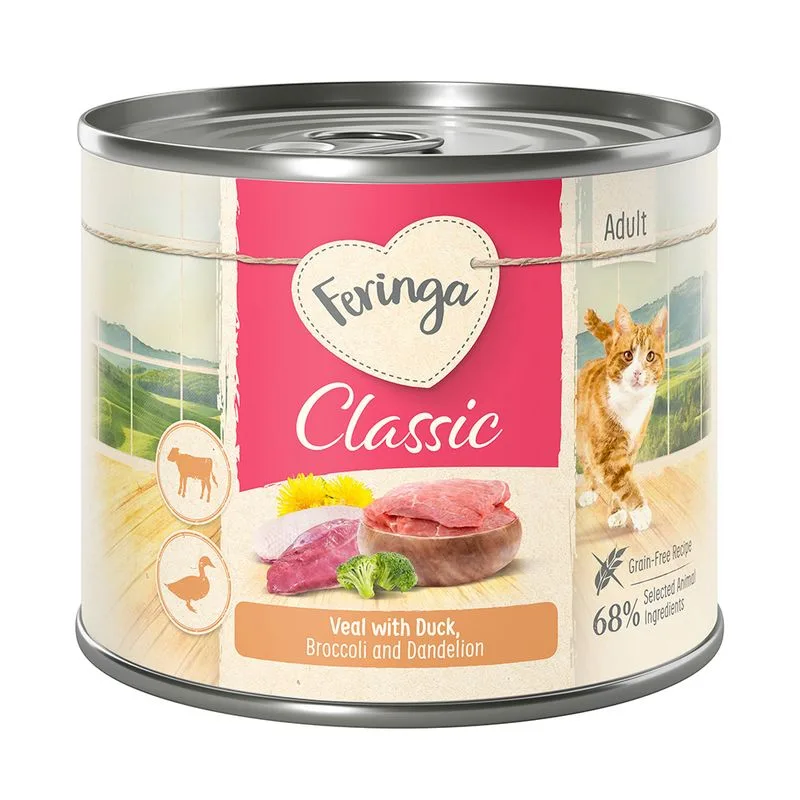
Feringa
Feringa Classic Meat Menù 18 x 200 g (Anatra & Vitello con Broccoli e Tarassaco)
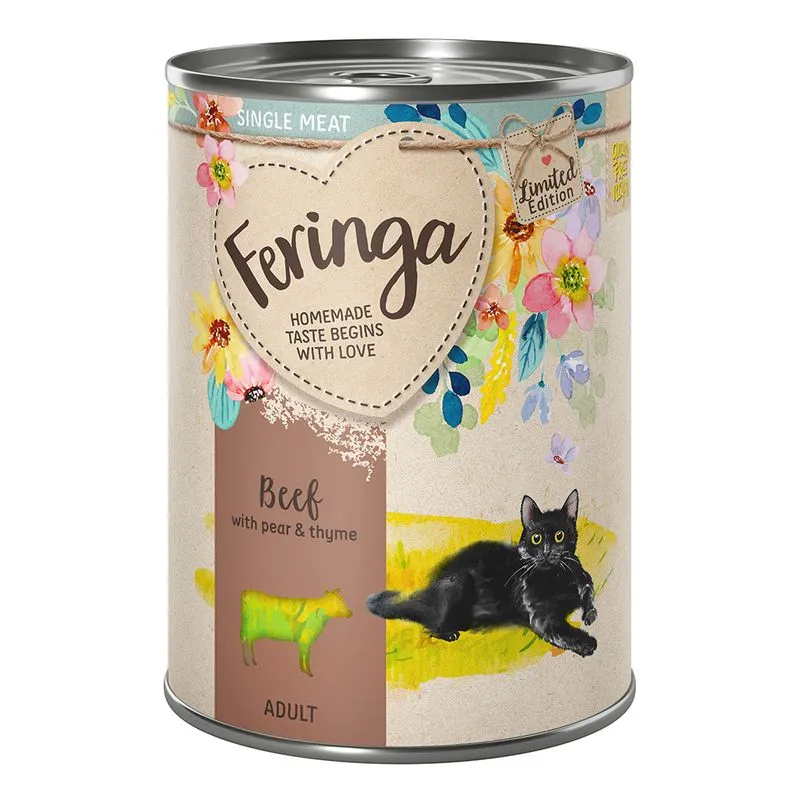
Feringa
Limited Edition: Feringa Single Meat Menù primaverile Manzo con Pera (Set %: 12 x 410 g)
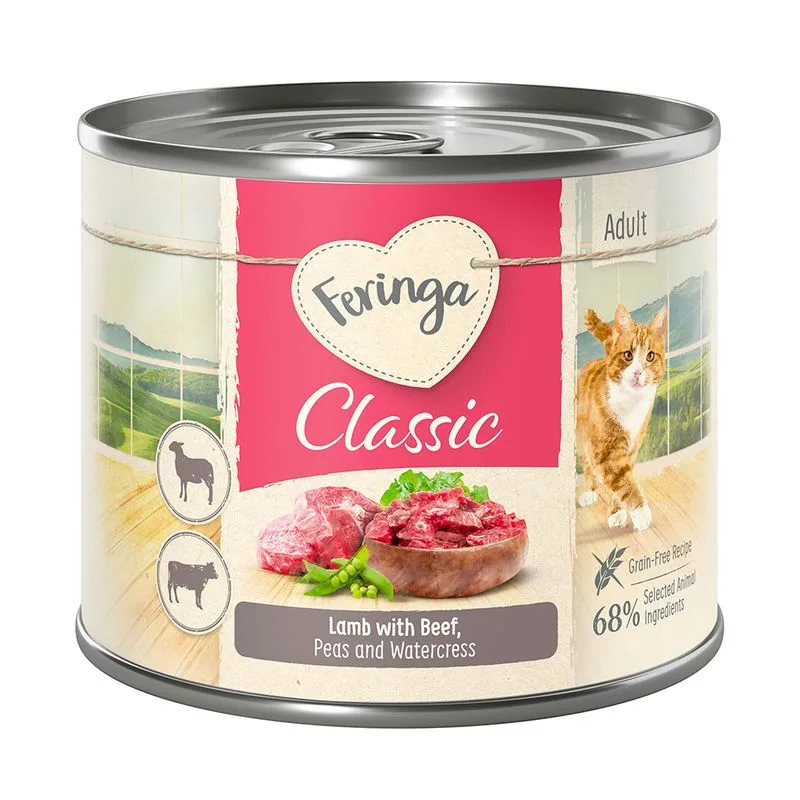
Feringa
Feringa Classic Meat Menù 12 x 200 g (Agnello & Manzo con Piselli e Crescione)
Is Feringa Classic Meat Menù 18 x 200 g (Salmone & Tacchino con Zucchine e Crescione) right for your cat?
The score is the same for everyone; the verdict is not. Tell Flovvi your pet's weight, age, sterilisation and allergies and get the daily portion, the real cost per day and the warnings that apply to them, free.
