
Fiber — Within the recommended limit
Ash — Within the recommended limit
Protein — Well below the recommended minimum
Fat — Well below the recommended minimum
Moisture — Well above the recommended limit
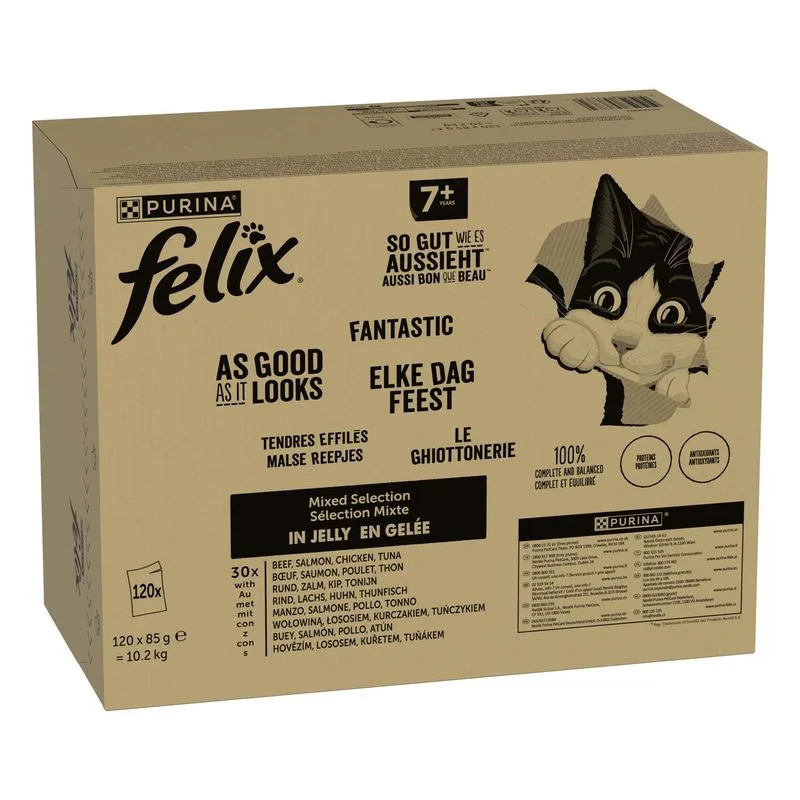
Contains lower-quality ingredients: Carne e derivati, Estratti proteici vegetali, Pesci e derivati, Zucchero, Aromi
Nutritional values
Per 100g
Protein
Well below the recommended minimum
12.0 g
Fat
Well below the recommended minimum
3.0 g
Fiber
Within the recommended limit
0.6 g
Ash
Within the recommended limit
2.5 g
Moisture
Well above the recommended limit
80.0 g
Ingredients
Carne e derivati
Estratti proteici vegetali
Pesci e derivati
Minerali
Zucchero
Vitamina A
Vitamina D3
Vitamina E
Solfato di ferro (II) monoidrato
Iodato di calcio anidro
Solfato di rame (II) pentaidrato
Solfato di manganese monoidrato
Solfato di zinco monoidrato
Taurina
Aromi
Gomma Cassia
At a glance
- Species
- Cat
- Food type
- Wet food
- Life stage
- Senior
- Energy
- 74 kcal/100 g (estimated)
- Reference price
- 43,99 € / 10,20 kg
- Barcode
- 7613038576732
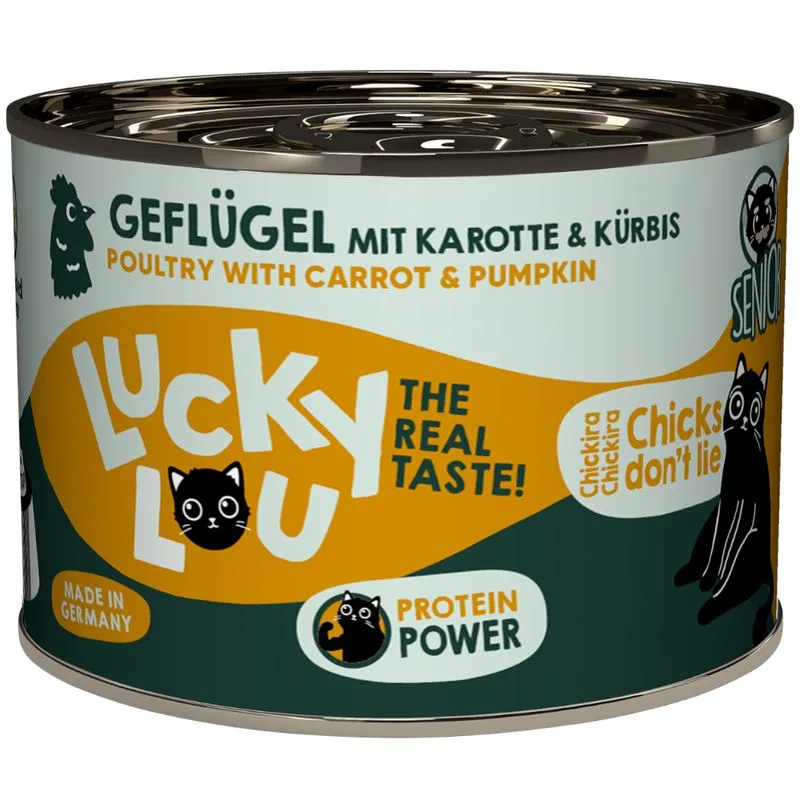
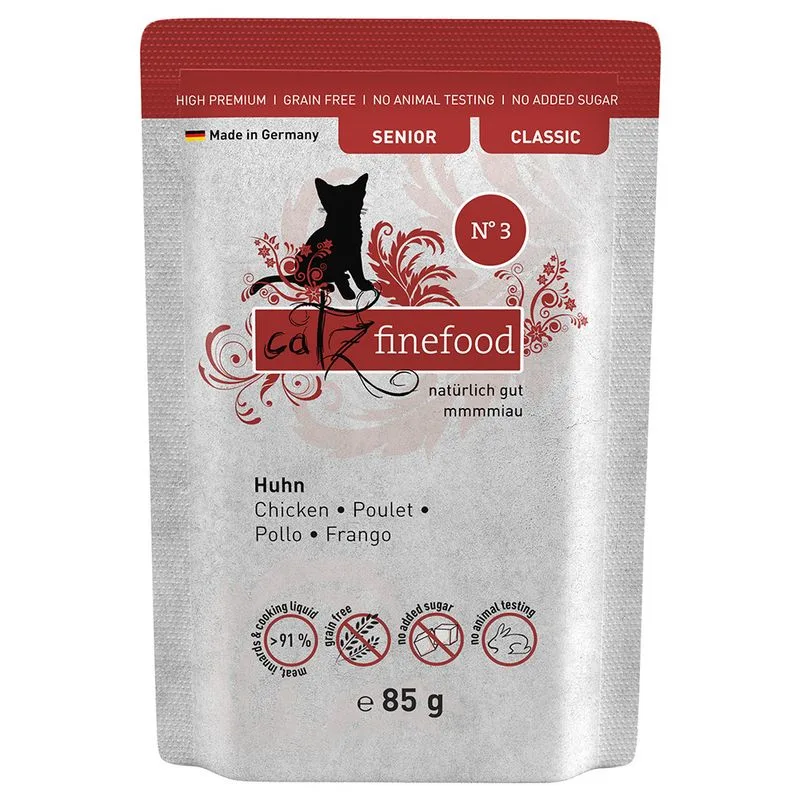
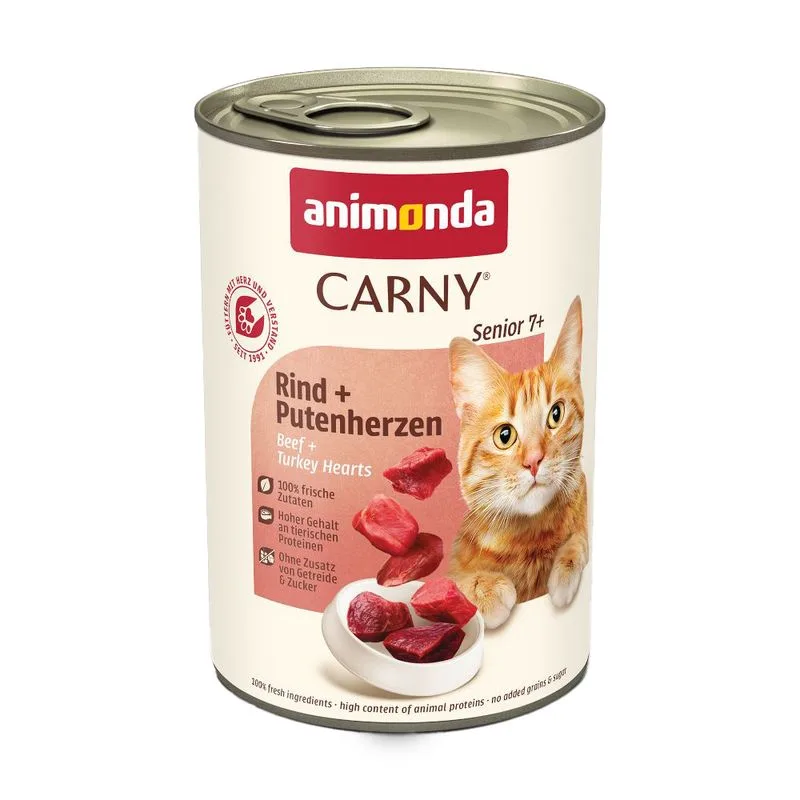
Better-scoring alternatives
Same species and type, higher Flovvi Score, closest price first.
Is Multipack Felix Le Ghiottonerie 120 x 85 g (Senior) right for your cat?
The score is the same for everyone; the verdict is not. Tell Flovvi your pet's weight, age, sterilisation and allergies and get the daily portion, the real cost per day and the warnings that apply to them, free.
