
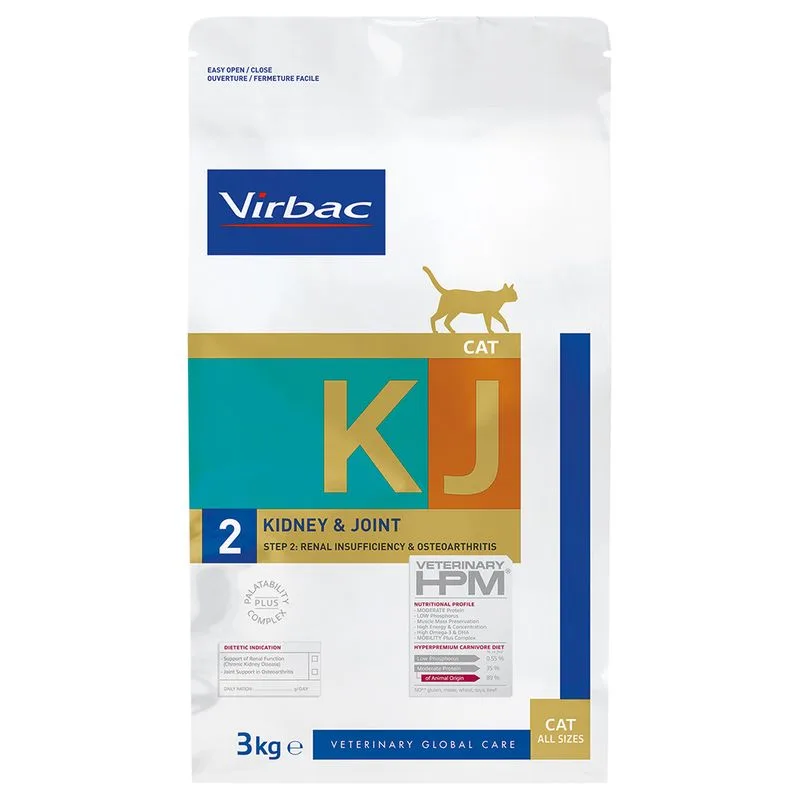
Virbac Veterinary HPM Cat Kidney & Joint Support KJ2 Crocchette per gatto (Set %: 2 x 3 kg)
Protein — Meets the recommended minimum
Fat — Meets the recommended minimum
Fiber — Within the recommended limit
Ash — Within the recommended limit
Moisture — Within the recommended limit
Nutritional values
Per 100g
Protein
Meets the recommended minimum
35.0 g
Fat
Meets the recommended minimum
20.0 g
Fiber
Within the recommended limit
3.5 g
Ash
Within the recommended limit
7.5 g
Moisture
Within the recommended limit
5.5 g
Ingredients
proteina di maiale disidratate
riso
grassi animali
piselli
proteina idrolizzata di maiale e pollame
amido di patate
minerali
olio di pesce
polpa di barbabietola
fibre vegetali
lievito di birra
proteina idrolizzata del pesce
frutto-oligosaccaridi
fibre di psillio
crostacei idrolizzati
membrana dell'uovo
solfato di condroitina
Lactobacillus acidophilus inattivo
At a glance
- Species
- Cat
- Food type
- Kibble
- Life stage
- Adult
- Energy
- 41 kcal/100 g
- Reference price
- 119,99 € / 6 kg
- Barcode
- 3561963601903
Better-scoring alternatives
Same species and type, higher Flovvi Score, closest price first.
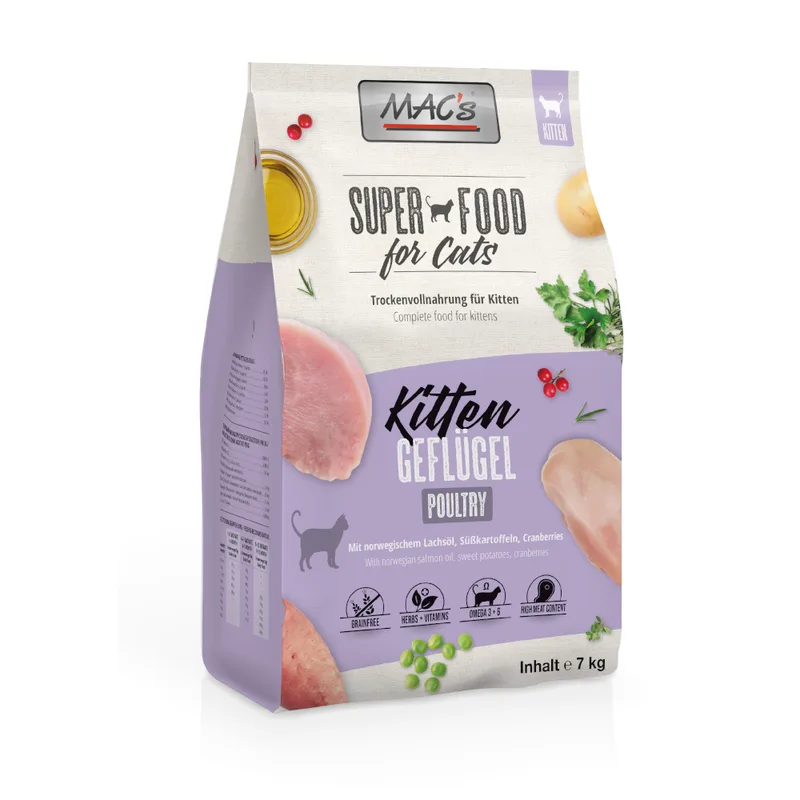
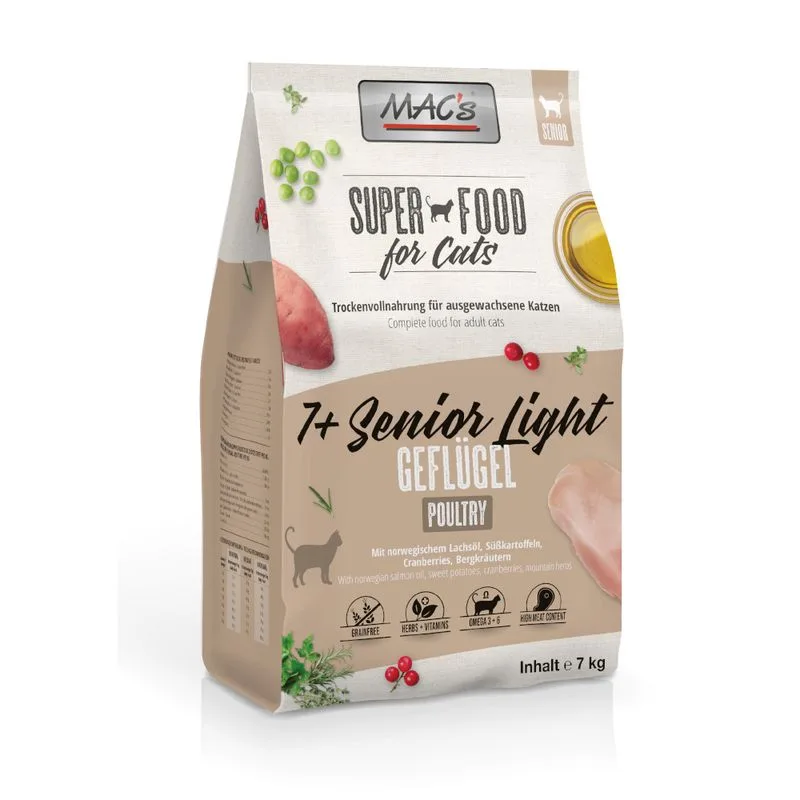
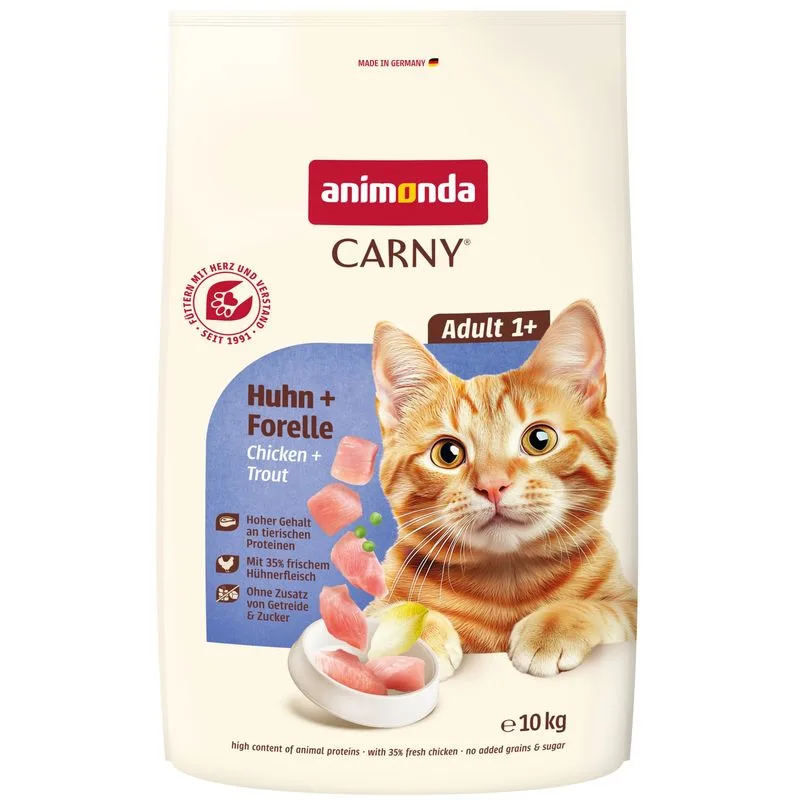
Is Virbac Veterinary HPM Cat Kidney & Joint Support KJ2 Crocchette per gatto (Set %: 2 x 3 kg) right for your cat?
The score is the same for everyone; the verdict is not. Tell Flovvi your pet's weight, age, sterilisation and allergies and get the daily portion, the real cost per day and the warnings that apply to them, free.
