
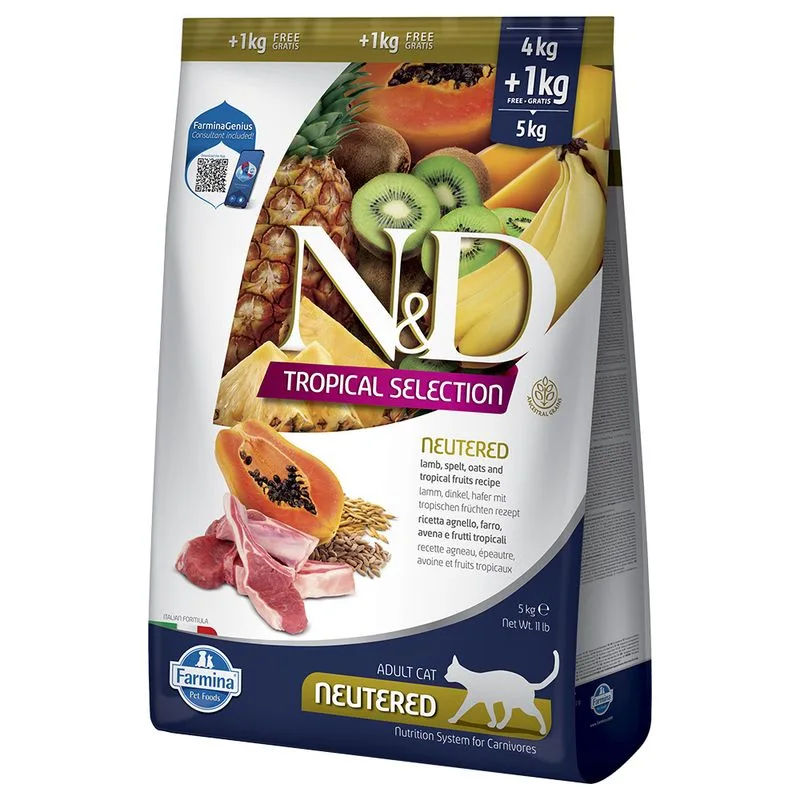
Farmina N&D Cat Tropical Selection Neutered con Agnello (Set %: 2 x 5 kg (4 kg + 1 kg))
Protein — Meets the recommended minimum
Fat — Meets the recommended minimum
Ash — Within the recommended limit
Moisture — Within the recommended limit
Names agnello (20%) as a headline ingredient
Fiber — Above the recommended limit
Contains lower-quality ingredients: cloruro di sodio
Nutritional values
Per 100g
Protein
Meets the recommended minimum
31.0 g
Fat
Meets the recommended minimum
11.0 g
Fiber
Above the recommended limit
6.5 g
Ash
Within the recommended limit
8.5 g
Moisture
Within the recommended limit
8.0 g
Ingredients
agnello (20%)
proteine di agnello disidratate (20%)
farro (12%)
avena (12%)
polpa di barbabietola essiccata
proteina di aringa disidratata
farina di erba medica
uova essiccate
grasso di pollo
olio di pesce (da aringa)
carote essiccate
inulina
fruttoligosaccaridi
estratto di lievito (fonte di manno-oligosaccaridi)
banana essiccata (0,5%)
kiwi essiccato (0,5%)
mango essiccato (0,5%)
papaia essiccata (0,5%)
ananas essiccato (0,5%)
spinaci essiccati
tegumento e semi di psillio
cloruro di sodio
lievito di birra essiccato
curcuma
estratto di aloe vera
At a glance
- Species
- Cat
- Food type
- Kibble
- Life stage
- Adult
- Energy
- 325 kcal/100 g (estimated)
- Reference price
- 83,99 € / 10 kg
- Barcode
- 8010276042132
Better-scoring alternatives
Same species and type, higher Flovvi Score, closest price first.
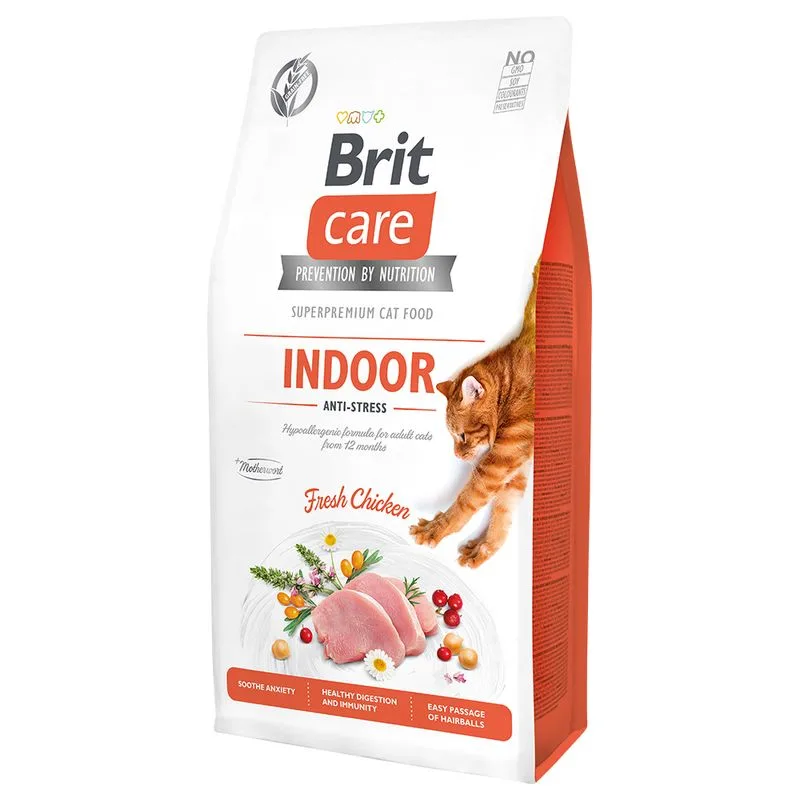
Brit Care
Brit Care Grain-Free Indoor Anti-stress Crocchette per gatto (Set %: 2 x 7 kg)
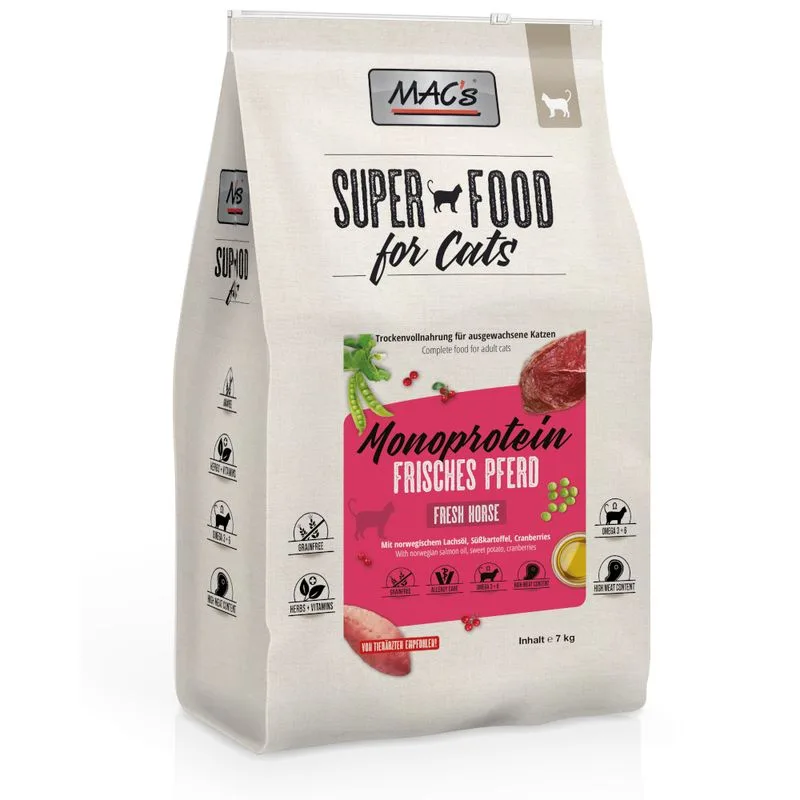
MAC's
MAC's Superfood for Cats Adult Monoprotein Cavallo Crocchette per gatti (7 kg)
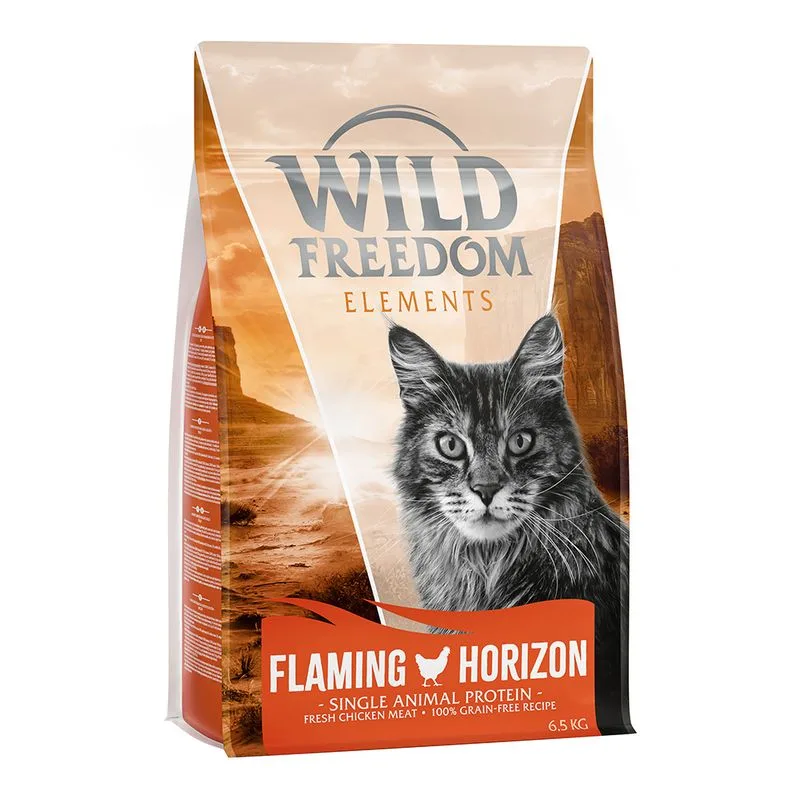
Wild Freedom
Wild Freedom Adult "Flaming Horizon" Pollo - senza cereali Crocchette gatto (Set %: 2 x 6,5 kg)
Is Farmina N&D Cat Tropical Selection Neutered con Agnello (Set %: 2 x 5 kg (4 kg + 1 kg)) right for your cat?
The score is the same for everyone; the verdict is not. Tell Flovvi your pet's weight, age, sterilisation and allergies and get the daily portion, the real cost per day and the warnings that apply to them, free.
