
Protein — Meets the recommended minimum
Fat — Meets the recommended minimum
Ash — Within the recommended limit
Moisture — Within the recommended limit
Fiber — Well above the recommended limit
Contains lower-quality ingredients: Pesce e sottoprodotti ittici
Nutritional values
Per 100g
Protein
Meets the recommended minimum
23.5 g
Fat
Meets the recommended minimum
12.0 g
Fiber
Well above the recommended limit
14.5 g
Ash
Within the recommended limit
7.5 g
Moisture
Within the recommended limit
5.0 g
Ingredients
Latte e derivati
Lieviti
Oli e grassi
Pesce e sottoprodotti ittici
Alghe
Derivato del lattosio con GOS
At a glance
- Species
- Cat
- Food type
- Treats
- Life stage
- Adult
- Energy
- 316 kcal/100 g (estimated)
- Reference price
- 7,49 € / 0,12 kg
- Barcode
- 4002064428031
Better-scoring alternatives
Same species and type, higher Flovvi Score, closest price first.
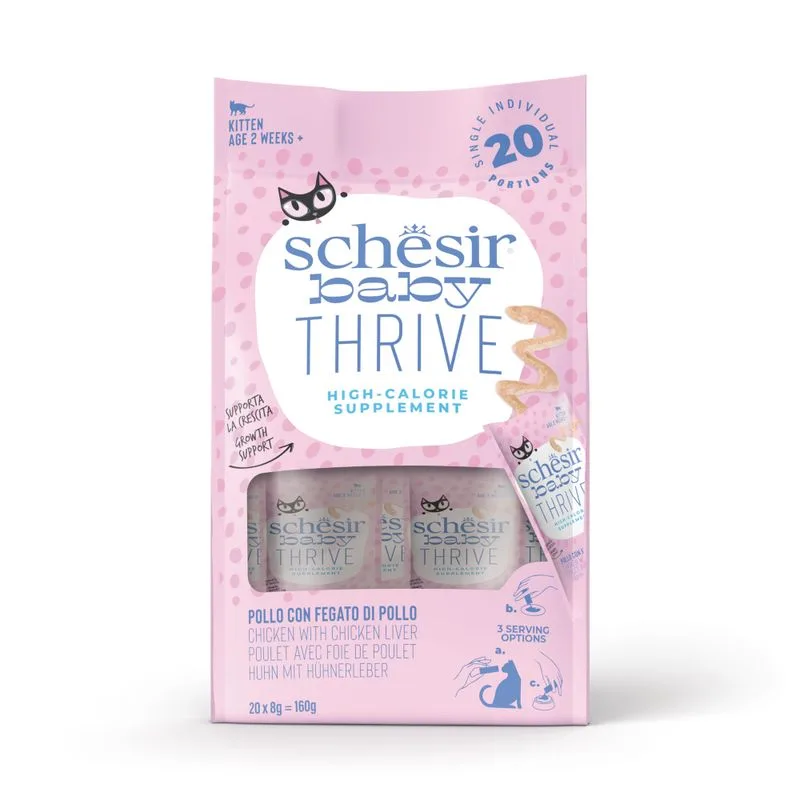
Schesir
Schesir Baby Thrive 20 x 8 g Complemento alimentare per gatto
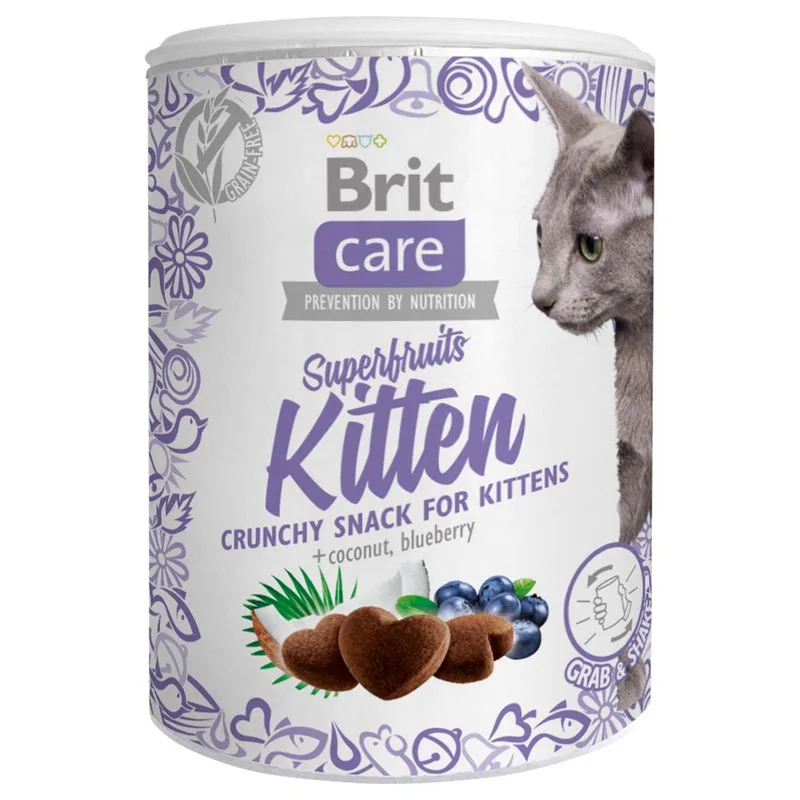
Brit Care
Brit Care Kitten Superfruits Snack per gattini (Set %: 3 x 100 g)
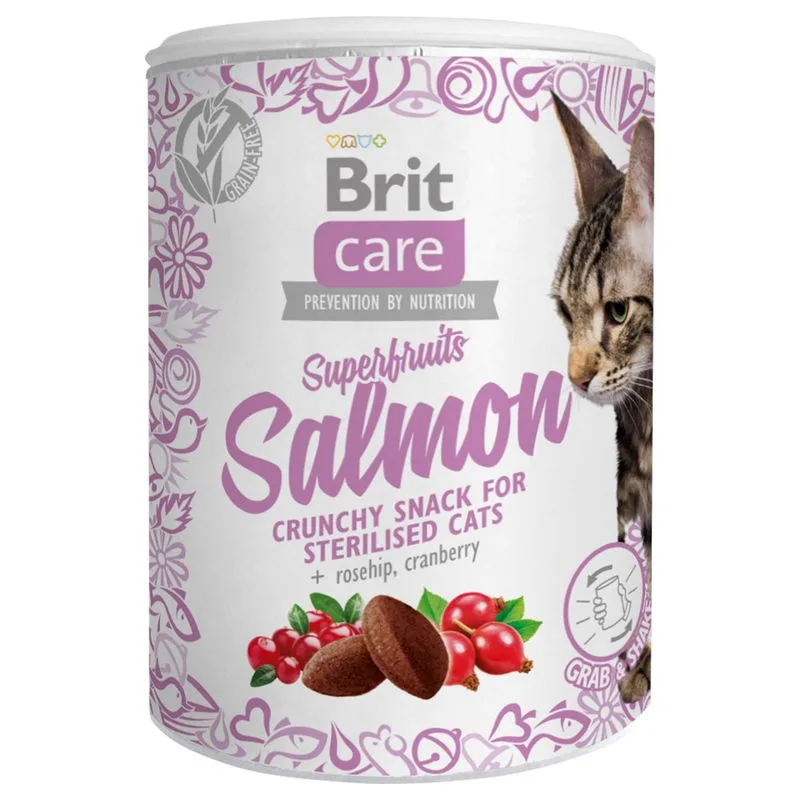
Brit Care
Brit Care Superfruits & Salmone Snack per gatti (Set %: 3 x 100 g)
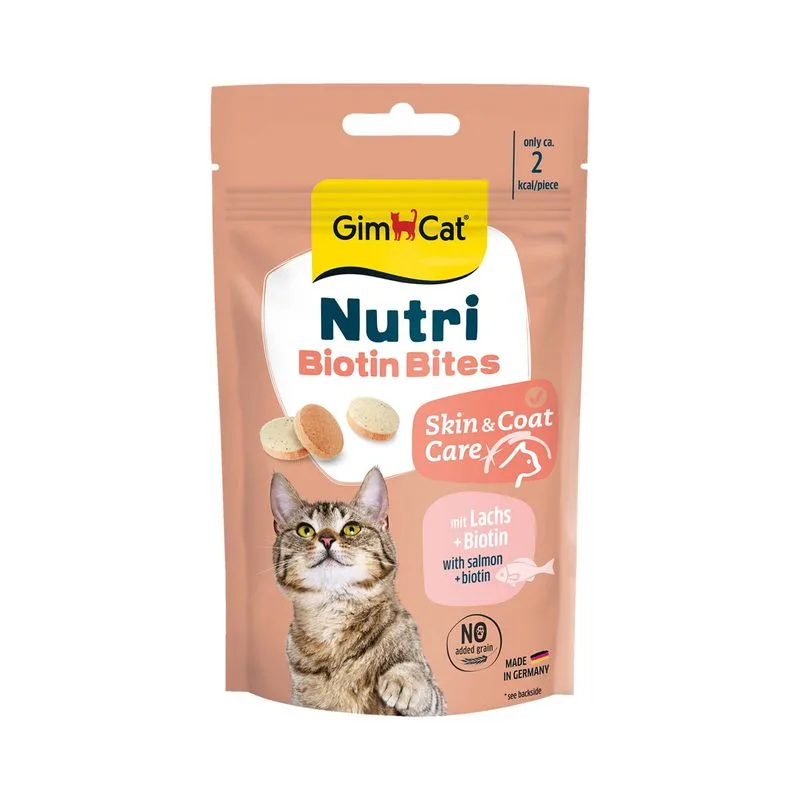
Is GimCat Nutri Biotin Bites con Salmone (Set %: 3 x 40 g) right for your cat?
The score is the same for everyone; the verdict is not. Tell Flovvi your pet's weight, age, sterilisation and allergies and get the daily portion, the real cost per day and the warnings that apply to them, free.
