
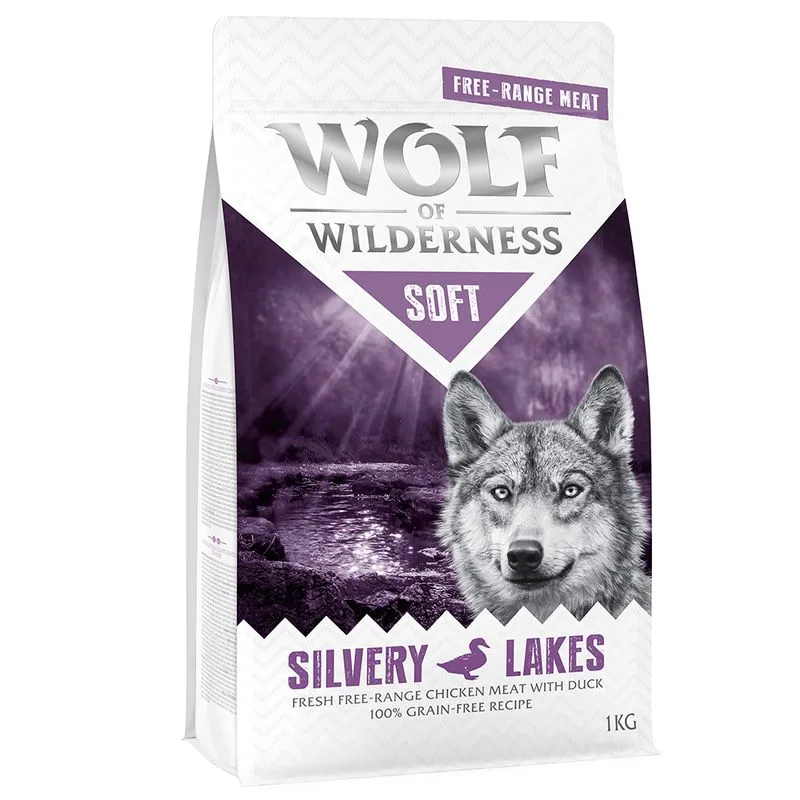
Wolf of Wilderness Soft - Silvery Lakes Pollo allevato all'aperto & Anatra (5 kg (5 x 1 kg))
Protein — Meets the recommended minimum
Fat — Meets the recommended minimum
Fiber — Within the recommended limit
Ash — Within the recommended limit
Names carne fresca di pollo da allevamento all'aperto as a headline ingredient
Moisture — Above the recommended limit
Contains lower-quality ingredients: proteine idrolizzate di pollame
Nutritional values
Per 100g
Protein
Meets the recommended minimum
27.0 g
Fat
Meets the recommended minimum
15.0 g
Fiber
Within the recommended limit
2.0 g
Ash
Within the recommended limit
7.0 g
Moisture
Above the recommended limit
18.0 g
Ingredients
carne fresca di pollo da allevamento all'aperto
farina di patate
proteina di pollame
proteina di anatra
polpa di barbabietola
proteine idrolizzate di pollame
semi di lino
olio di pesce
grasso di pollame
uovo disidratato
frutti di bosco
erbette
estratto di lievito
olio di semi di girasole
olio di cardo
cicoria
At a glance
- Species
- Dog
- Food type
- Kibble
- Life stage
- Adult
- Energy
- 331 kcal/100 g (estimated)
- Reference price
- 26,99 € / 5 kg
- Barcode
- 4062911016514
Better-scoring alternatives
Same species and type, higher Flovvi Score, closest price first.
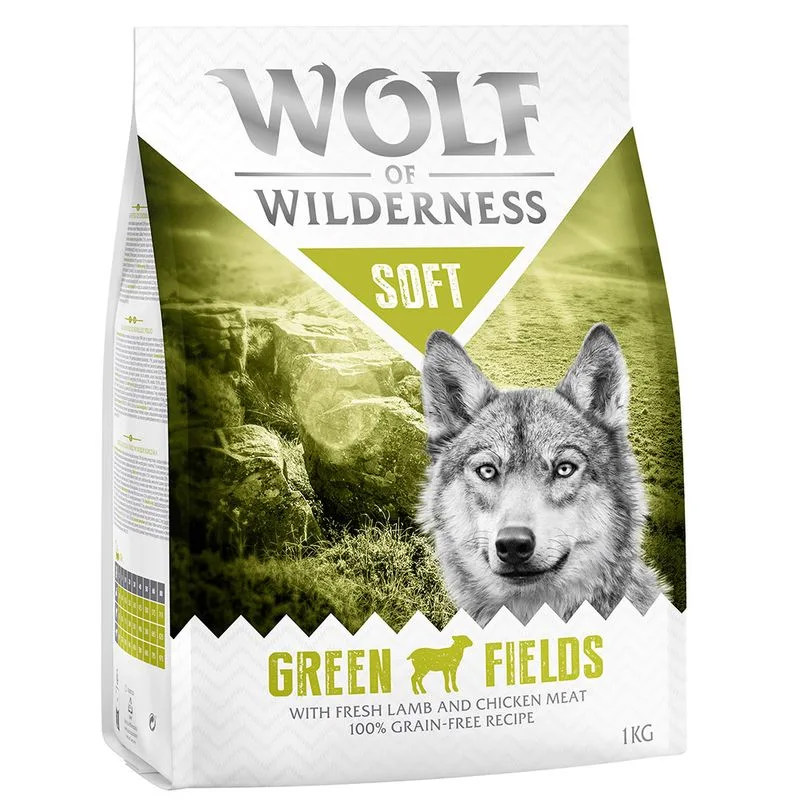
Wolf of Wilderness
Wolf of Wilderness Soft - Green Fields Agnello Crocchette per cani (5 kg (5 x 1 kg))
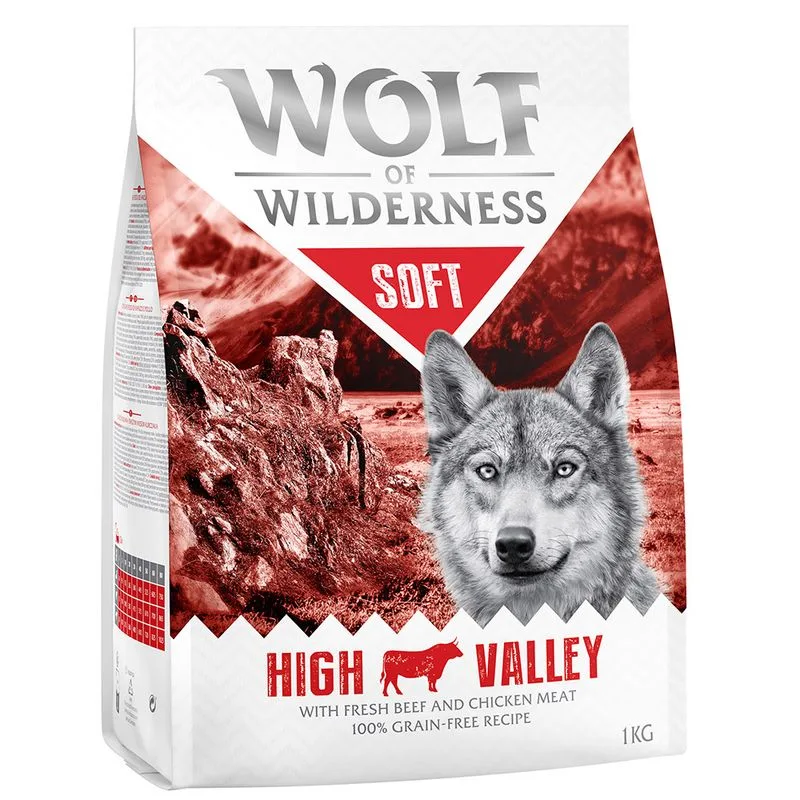
Wolf of Wilderness
Wolf of Wilderness Soft - High Valley Manzo Crocchette per cani (5 kg (5 x 1 kg))
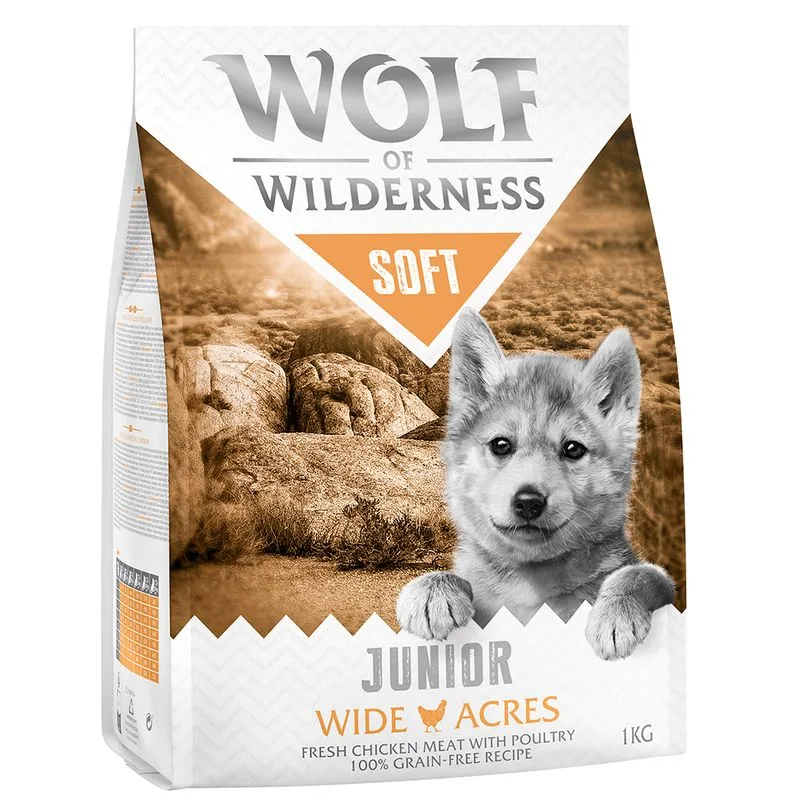
Wolf of Wilderness
Wolf of Wilderness Junior Soft - Wide Acres Pollo Crocchette per cani (5 kg (5 x 1 kg))
Is Wolf of Wilderness Soft - Silvery Lakes Pollo allevato all'aperto & Anatra (5 kg (5 x 1 kg)) right for your dog?
The score is the same for everyone; the verdict is not. Tell Flovvi your pet's weight, age, sterilisation and allergies and get the daily portion, the real cost per day and the warnings that apply to them, free.
