
Protein — Meets the recommended minimum
Fat — Meets the recommended minimum
Fiber — Within the recommended limit
Ash — Within the recommended limit
Moisture — Within the recommended limit
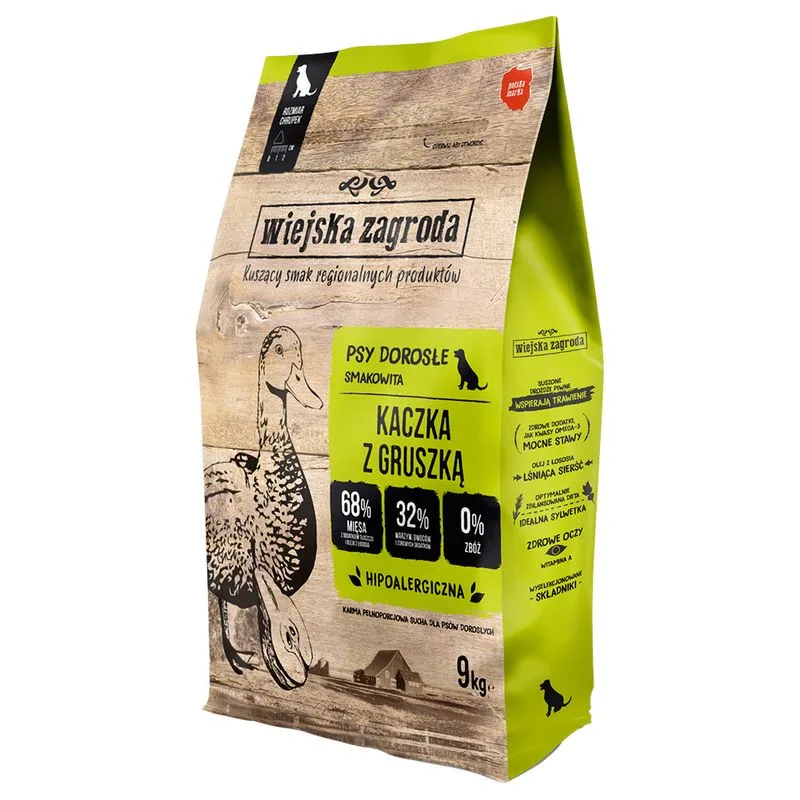
Names carne di anatra as a headline ingredient
Contains lower-quality ingredients: lignocellulosa
Nutritional values
Per 100g
Protein
Meets the recommended minimum
32.0 g
Fat
Meets the recommended minimum
21.0 g
Fiber
Within the recommended limit
4.0 g
Ash
Within the recommended limit
10.0 g
Moisture
Within the recommended limit
8.0 g
Ingredients
carne di anatra
grasso di pollo
piselli
piselli sbucciati
fiocchi di patate essiccati
proteine idrolizzate di fegato di pollo
lievito di birra essiccato
semi di lino
polpa di barbabietola di zucchero essiccata
lignocellulosa
proteine di patate
minerali
pere essiccate
olio di salmone
cicoria essiccata
MOS
glucosamina
condroitina solfato
estratti di piante
At a glance
- Species
- Dog
- Food type
- Kibble
- Life stage
- Adult
- Energy
- 378 kcal/100 g (estimated)
- Reference price
- 157,99 € / 18 kg
- Barcode
- 5905342292814
Better-scoring alternatives
Same species and type, higher Flovvi Score, closest price first.
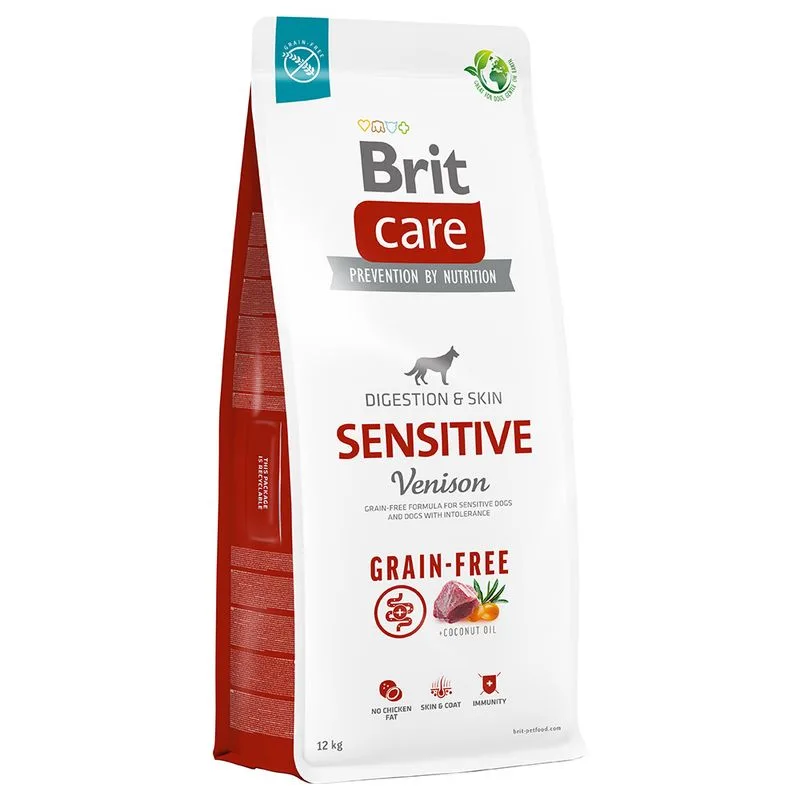
Brit Care
Brit Care Grain-free Sensitive Selvaggina & Patate Crocchette cane (Set %: 2 x 12 kg)
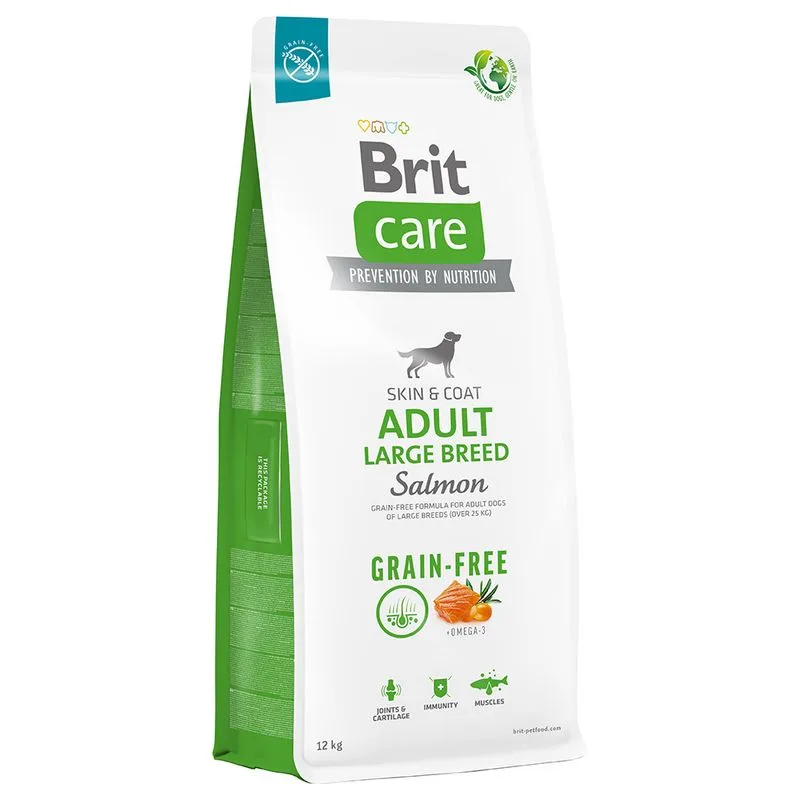
Brit Care
Brit Care Grain-Free Adult Large Breed Salmone & Patate Crocchette cane (Set %: 2 x 12 kg)
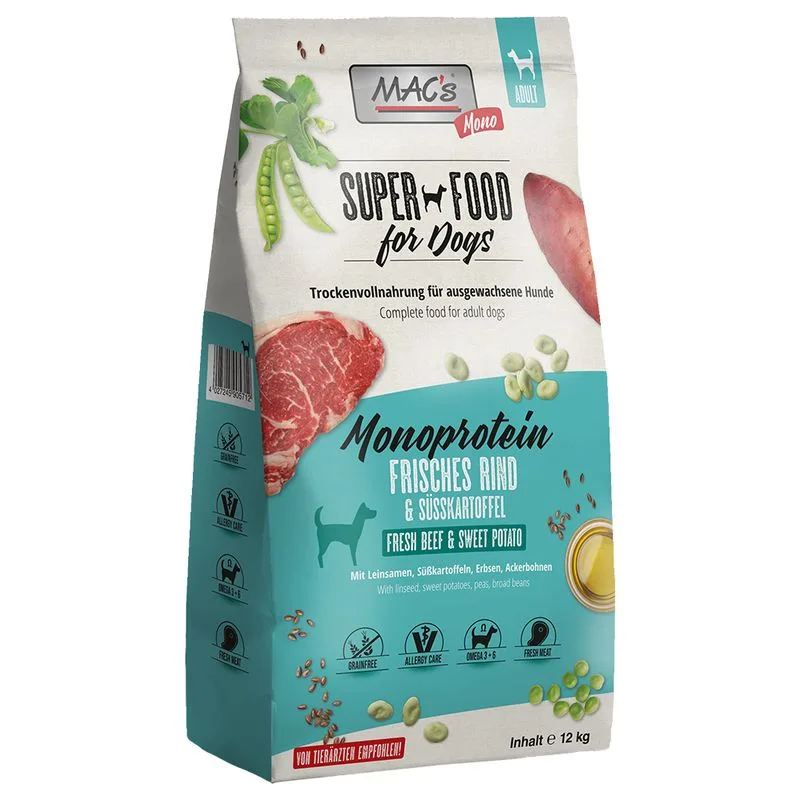
MAC's
MAC's Mono Manzo Crocchette per cani (Set %: 2 x 12 kg)
Is Wiejska Zagroda Anatra & Pera (Set %: 2 x 9 kg) right for your dog?
The score is the same for everyone; the verdict is not. Tell Flovvi your pet's weight, age, sterilisation and allergies and get the daily portion, the real cost per day and the warnings that apply to them, free.
