
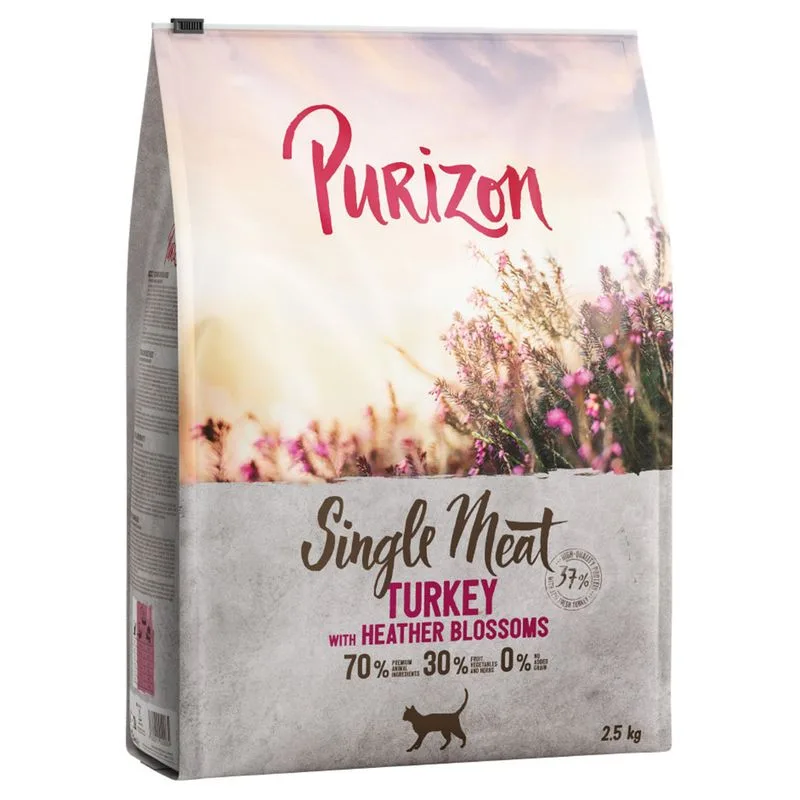
Protein — Meets the recommended minimum
Fat — Meets the recommended minimum
Fiber — Within the recommended limit
Ash — Within the recommended limit
Names Tacchino fresco as a headline ingredient
Contains lower-quality ingredients: Cellulosa
Nutritional values
Per 100g
Protein
Meets the recommended minimum
37.0 g
Fat
Meets the recommended minimum
20.0 g
Fiber
Within the recommended limit
2.0 g
Ash
Within the recommended limit
8.8 g
Moisture
—
Ingredients
Tacchino fresco
Proteina di tacchino
Fiocchi di patate
Piselli
Grasso di pollame
Proteina di patate
Idrolizzato proteico di pollame
Amido di patate
Residuo della spremitura della mela
Olio di salmone
Cellulosa
Pastinaca
Residuo della spremitura della carota
Olio di semi di girasole
Barbabietola
Fiori di erica
Curcuma
Yucca schidigera
At a glance
- Species
- Cat
- Food type
- Kibble
- Life stage
- Adult
- Energy
- 384 kcal/100 g (estimated)
- Reference price
- 29,99 € / 2,50 kg
- Barcode
- 4062911029064
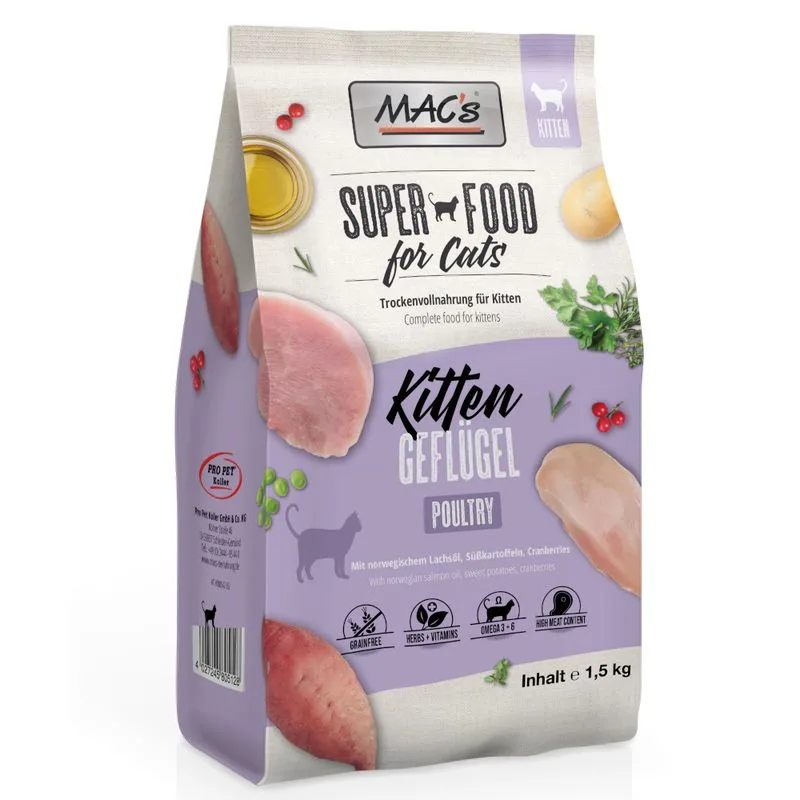
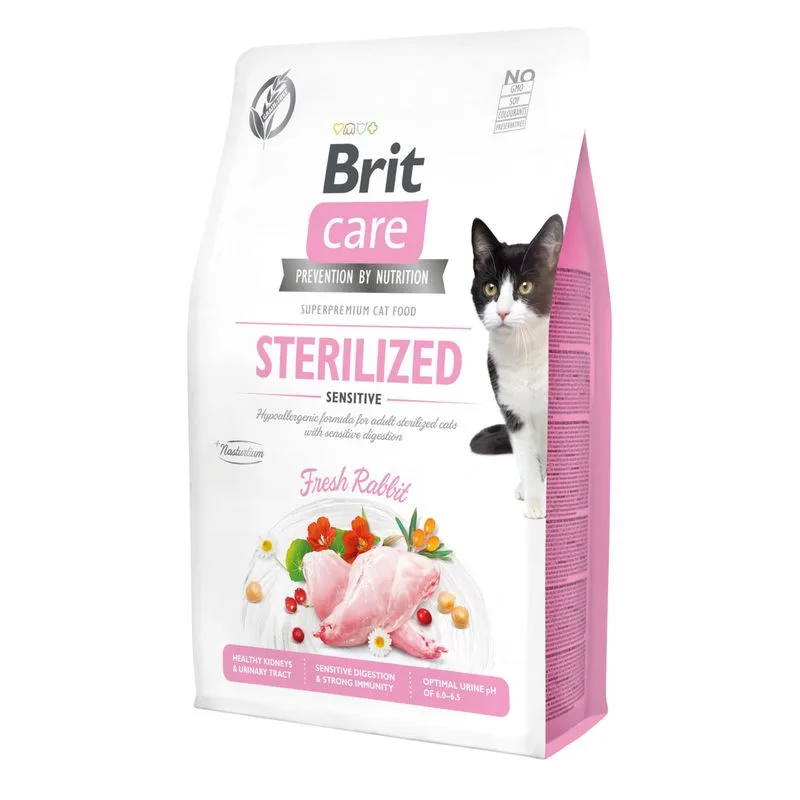
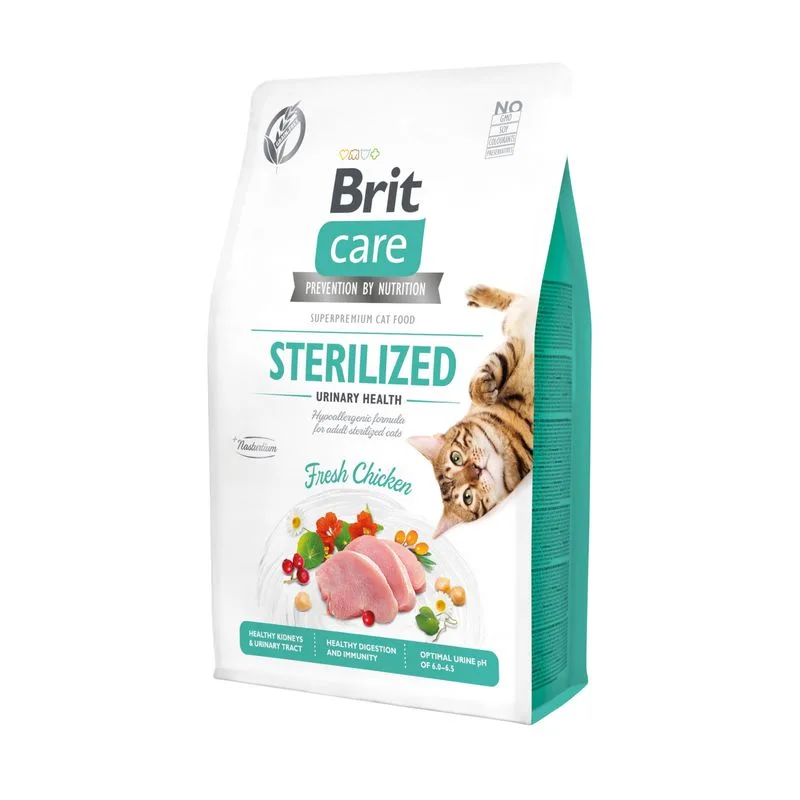
Better-scoring alternatives
Same species and type, higher Flovvi Score, closest price first.
Is Purizon Single Meat Tacchino con Fiori di erica Crocchette per gatto (2,5 kg) right for your cat?
The score is the same for everyone; the verdict is not. Tell Flovvi your pet's weight, age, sterilisation and allergies and get the daily portion, the real cost per day and the warnings that apply to them, free.
