
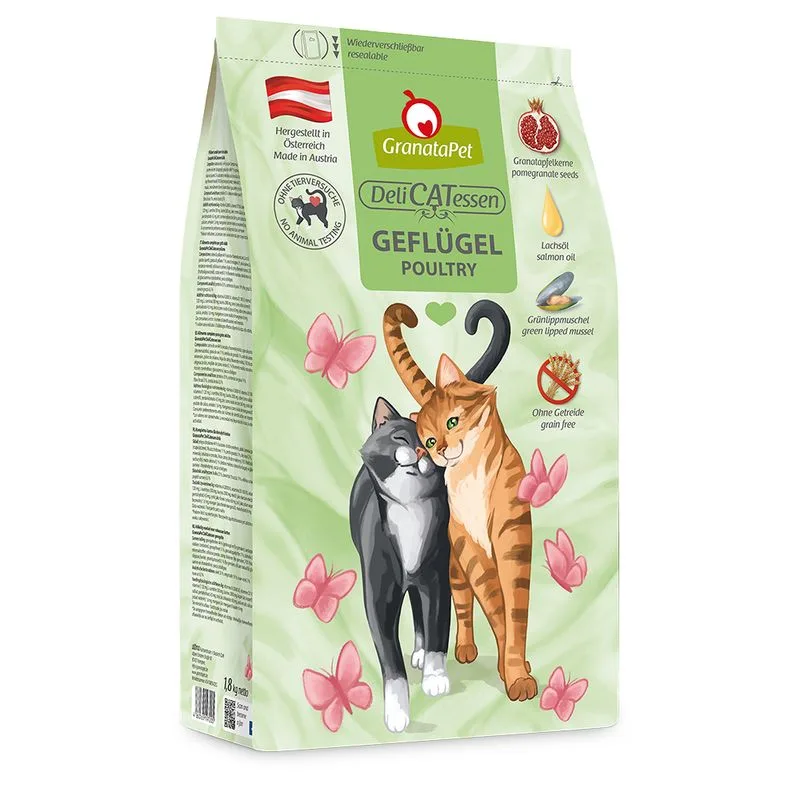
Protein — Meets the recommended minimum
Fat — Meets the recommended minimum
Fiber — Within the recommended limit
Ash — Within the recommended limit
Contains lower-quality ingredients: polvere di cellulosa
Nutritional values
Per 100g
Protein
Meets the recommended minimum
33.0 g
Fat
Meets the recommended minimum
19.0 g
Fiber
Within the recommended limit
3.0 g
Ash
Within the recommended limit
6.5 g
Moisture
—
Ingredients
carne bianca (44%, essiccata e macinata finemente)
fiocchi di patate (estrusi)
grasso di pollame (11%)
semi di melagrana (3%)
olio di salmone (2%)
minerali
polvere di cellulosa
foglie di erba gatta (macinate finemente)
F.O.S. (frutto-oligosaccaridi)
cozza verde neozelandese (0,1%) (finemente tritata, ricca di natura di glucosammina e condroitina)
Yucca schidigera
At a glance
- Species
- Cat
- Food type
- Kibble
- Life stage
- Adult
- Energy
- 384 kcal/100 g (estimated)
- Reference price
- 5,79 € / 0,30 kg
- Barcode
- 4260165197182
Better-scoring alternatives
Same species and type, higher Flovvi Score, closest price first.
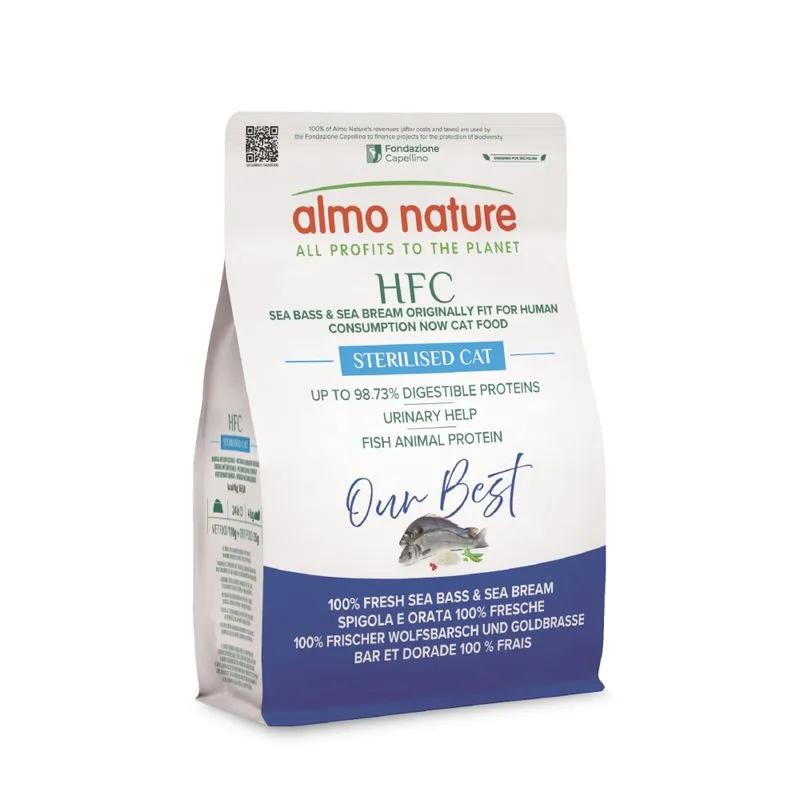
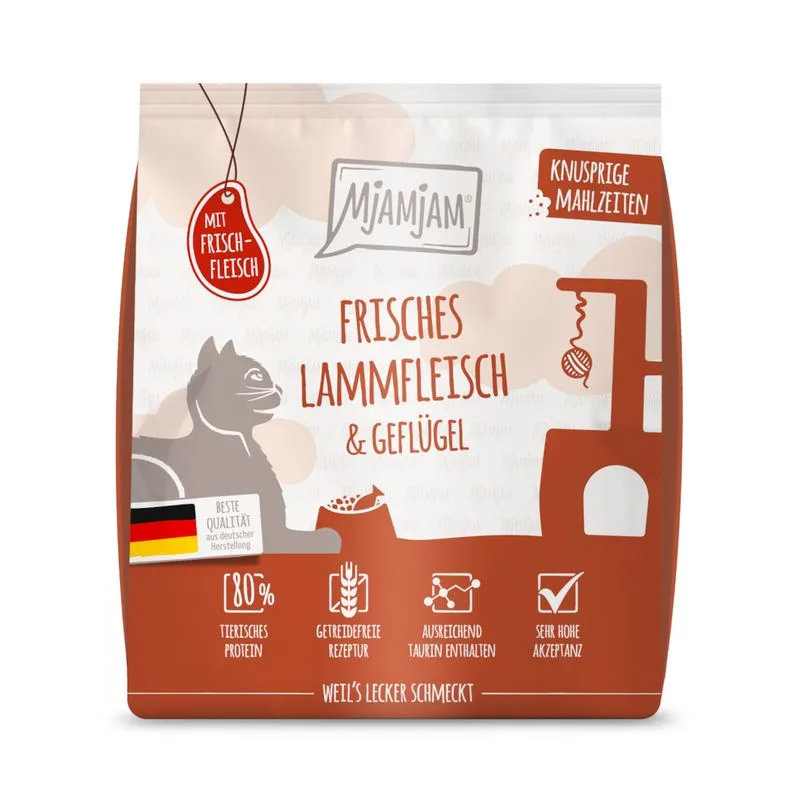
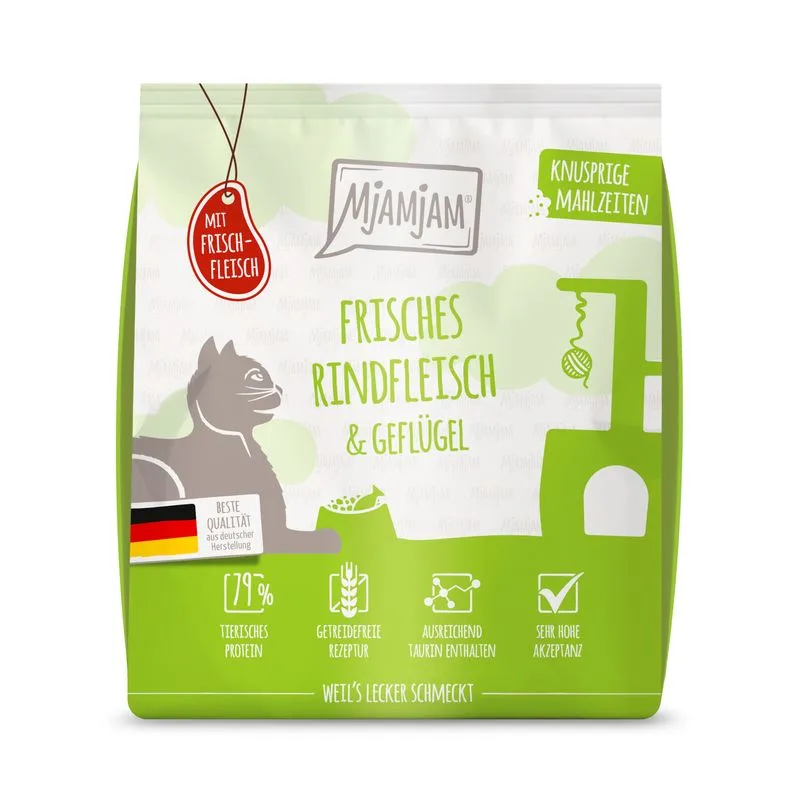
Is GranataPet DeliCatessen Adult Pollo (300 g) right for your cat?
The score is the same for everyone; the verdict is not. Tell Flovvi your pet's weight, age, sterilisation and allergies and get the daily portion, the real cost per day and the warnings that apply to them, free.
